
my ghost got hacked

will explain more,
ghost had a sql cve.
now it took me hours to work but im now back up.
heres what i did to get back online.

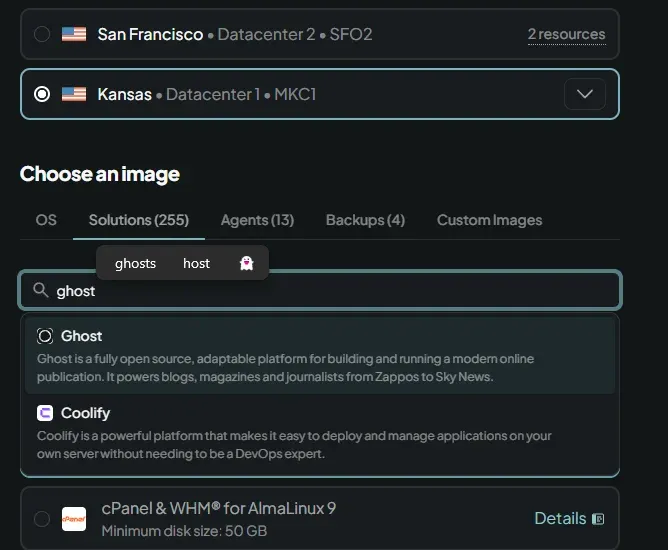
when active
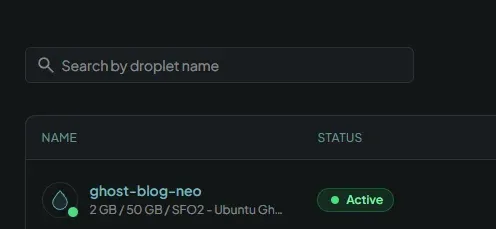
go to this tutorial https://www.digitalocean.com/community/tutorials/how-to-install-ghost-cms-with-digitalocean-marketplace-1-click
ssh root@<REDACTED IP>
if youget error lik this go to
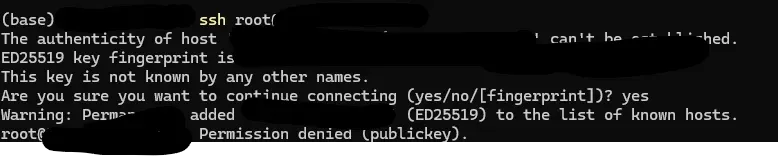
"how to connect with ssh"
https://docs.digitalocean.com/products/droplets/how-to/add-ssh-keys/
ssh-keygen
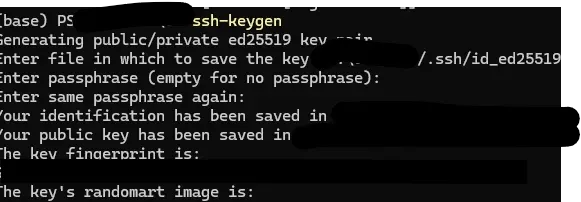
How to Upload an SSH Public Key to an Existing Droplet
https://docs.digitalocean.com/products/droplets/how-to/add-ssh-keys/to-existing-droplet/
actually fuck that its actually easier to get started using the web console do that instead

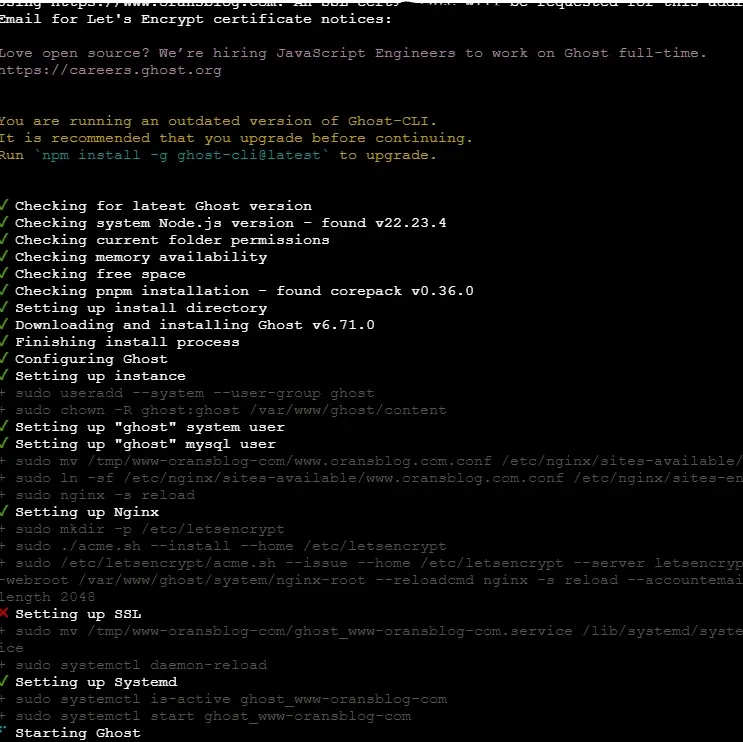
lets incrypt failed as usual. ahah
had to login to my cloudflare and update the ip it points the domain to. then the letsencrypt worked!
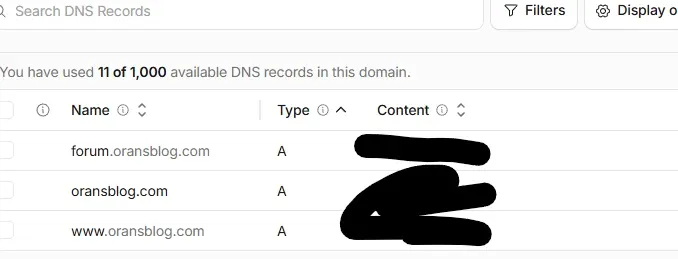
https://dash.cloudflare.com/<REDACTED>/example.com/dns/records
blog is live but empty

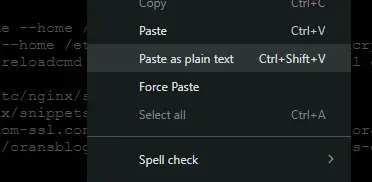
now to populate it pro tip in the web console paste doesnt work if you right click and paste as plane text it works
add ssh key
mkdir -p ~/.ssh


echo "ssh-ed25519 AAA<REDACTED SSH KEY>PY o@oden" >> ~/.ssh/authorized_keys
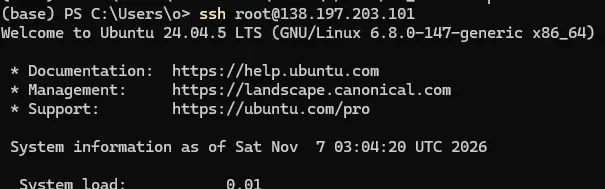
worked!
chmod -R go= ~/.ssh
chown -R $USER:$USER ~/.ssh
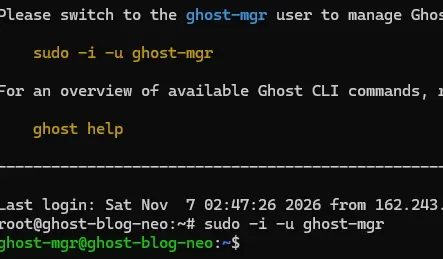
sudo -i -u ghost-mgr
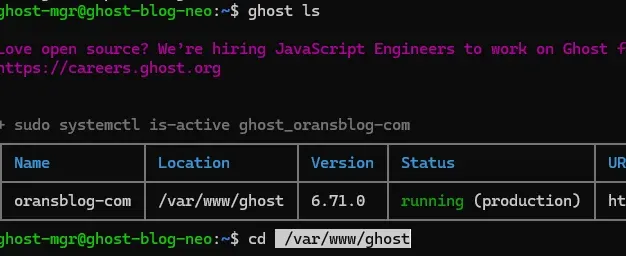
ghost ls
cd /var/www/ghost
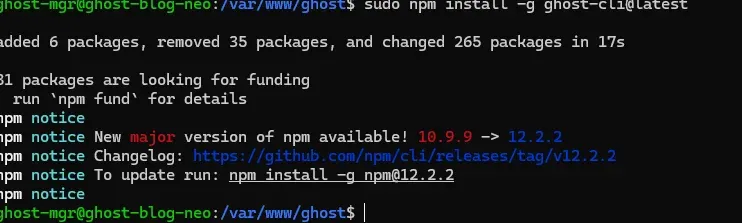
sudo npm install -g ghost-cli@latest
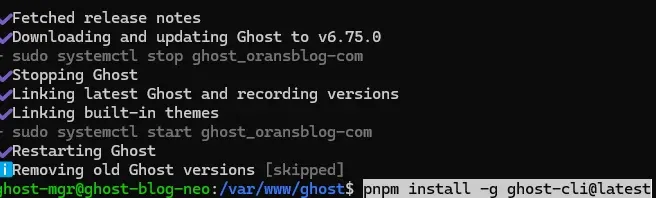
ghost update
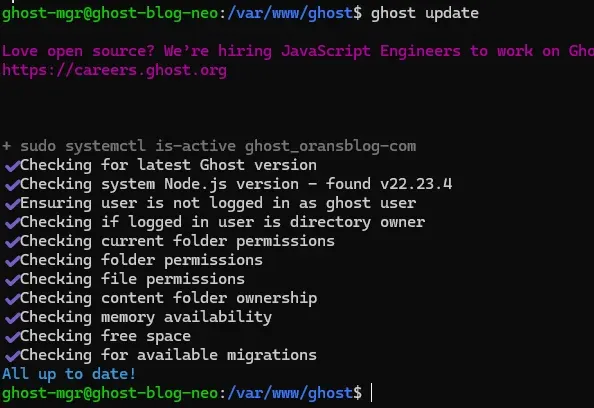
how to set a root password
sudo passwd root

logout
logout
logout
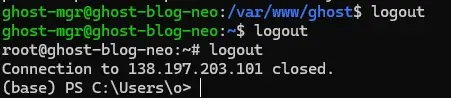
login
ssh root@<REDACTED IP>
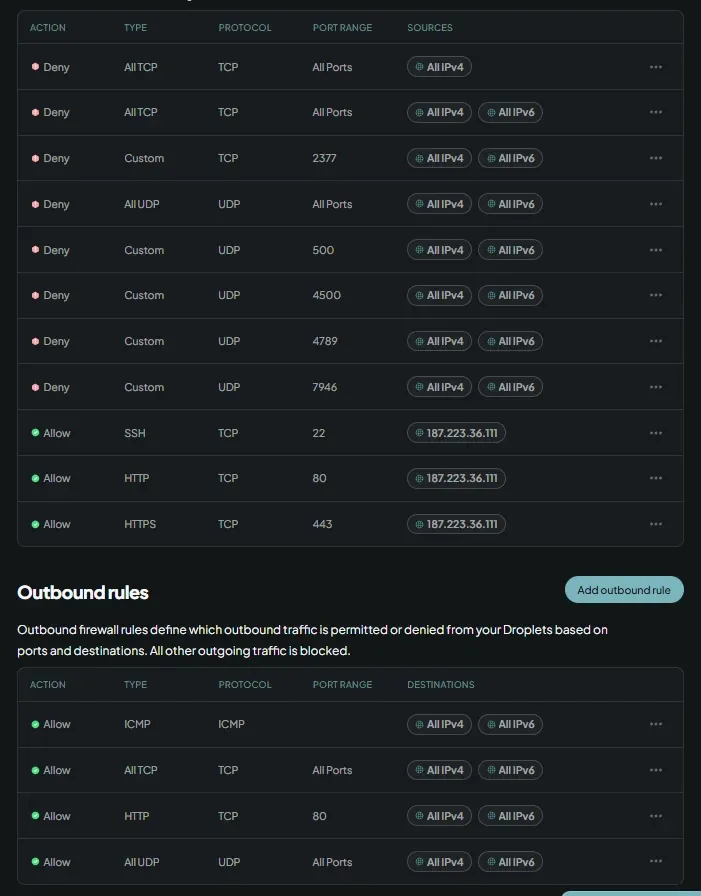
Lock down the old droplet before powering it on
https://cloud.digitalocean.com/networking/firewalls
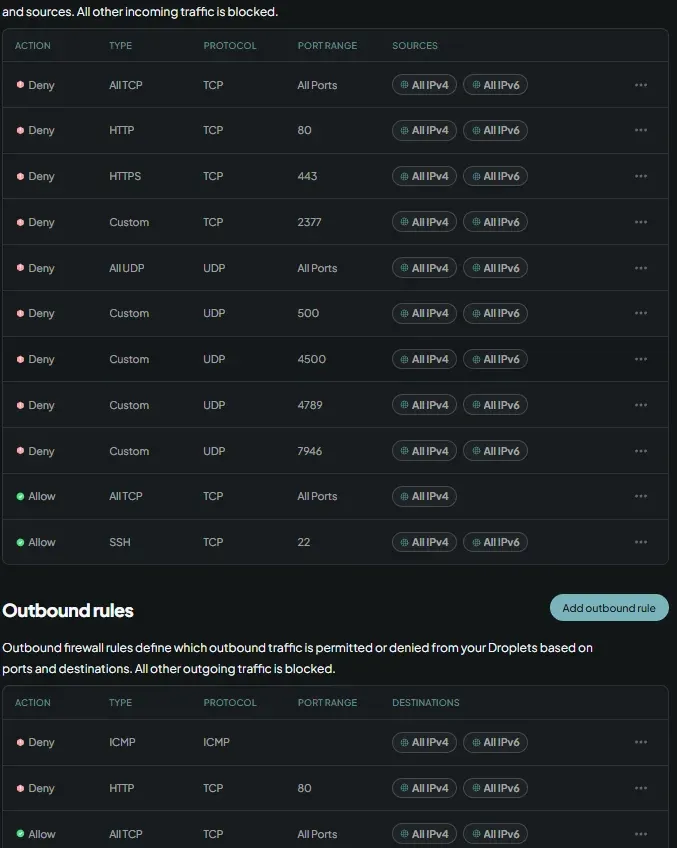
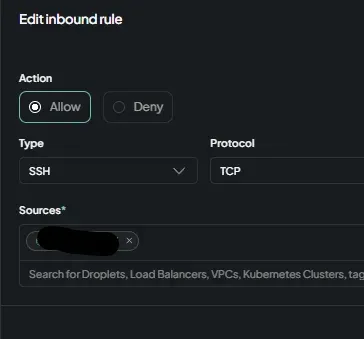
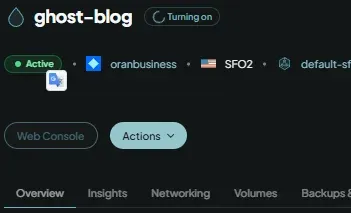
start droplet
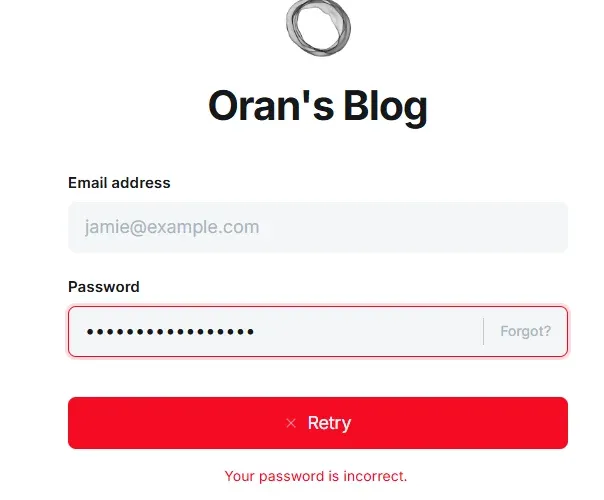
coundt login so i had to rest password
sudo -i -u ghost-mgr
cd /var/www/ghost
ghost config get database.connection
sudo mysql -u root -p
cd /var/www/ghost/versions/5.109.1/node_modules/bcryptjs
node -e "const bcrypt = require('bcryptjs'); bcrypt.hash('CcP3%PXMfE6', 10, (e, h) => console.log(h));"
$2a$10$.rEs<REDACTED >dNhe
sudo mysql -u root -p
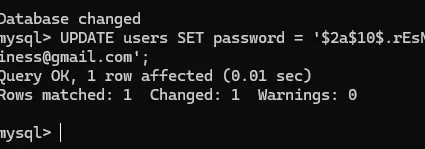
UPDATE users SET password = '$2a$10$.rEs<REDACTED >dNhe' WHERE email = 'oranbusiness@gmail.com';


USE ghost_production;

UPDATE users SET password = '$2a$10$.rEs<REDACTED >', status = 'active' WHERE email = 'oranbusiness@gmail.com'; DELETE FROM sessions;
cd /var/www/ghost
ghost config security.staffDeviceVerification false
	ghost restart


UPDATE users SET status = 'active' WHERE email = 'oranbusiness@gmail.com';

SELECT id, slug FROM posts
 WHERE codeinjection_head != '' OR codeinjection_foot != ''
    OR html LIKE '%<script%';
mkdir -p ~/backup-$(date +%F) && cd ~/backup-$(date +%F)
sudo mysqldump --single-transaction ghost_production > ghost_production.sql
ls -lh ghost_production.sql
looks like it was a roge zapier key
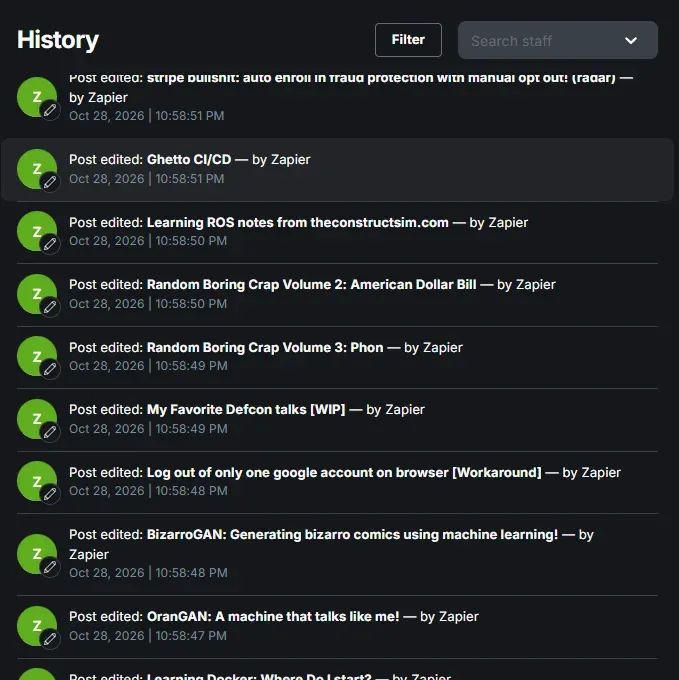
turns out they have be inside the system for way longer than i realized since may 17th! fuck
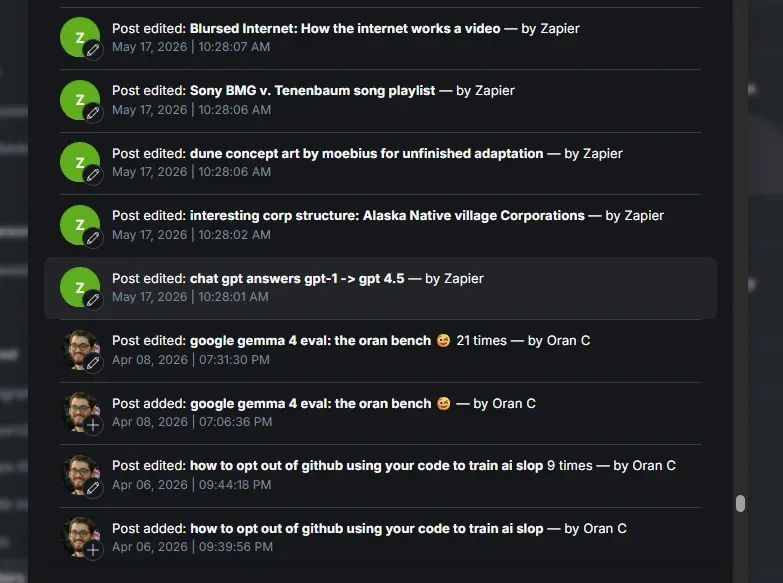
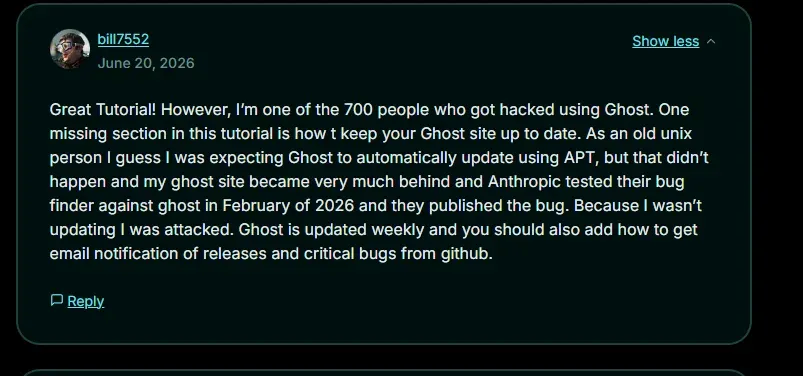
omg thanks anthropic ai slop fuckiers
wrote this code to remove the click jacking
import json, re, sys


src, dst = sys.argv[1], sys.argv[2]

data = json.load(open(src, encoding="utf-8"))


patterns = [

    re.compile(r'<script>\(function\(\)\{try\{var k="ghost_once_footer_.*?</script>', re.S),

    re.compile(r'<script>\(function\(\)\{try\{var k=\\"ghost_once_footer_.*?</script>', re.S),

]

removed = 0


def walk(o):

    global removed

    if isinstance(o, dict):

        return {k: walk(v) for k, v in o.items()}

    if isinstance(o, list):

        return [walk(v) for v in o]

    if isinstance(o, str):

        for p in patterns:

            o, n = p.subn("", o)

            removed += n

    return o


data = walk(data)


strong = ["token.ug", "ghost_once_footer", "dropper-crm", "staticvpn", "claud."]

weak = ["atob(", "clipboard", "<script"]

tables = data["db"][0]["data"]

print(f"Removed {removed} injected script(s)\n")

for tname, rows in tables.items():

    if not isinstance(rows, list):

        continue

    for row in rows:

        s = json.dumps(row, ensure_ascii=False)

        label = row.get("slug") or row.get("key") or row.get("id")

        sh = [i for i in strong if i in s]

        wh = [i for i in weak if i in s]

        if sh:

            print(f"STILL INFECTED  {tname}: {label} -> {sh}")

        elif wh:

            print(f"review          {tname}: {label} -> {wh}")


json.dump(data, open(dst, "w", encoding="utf-8"), ensure_ascii=False, indent=2)

print("\nWrote", dst)
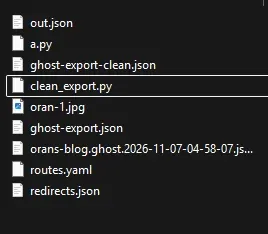
uploaded the ghost-export-clean.json to
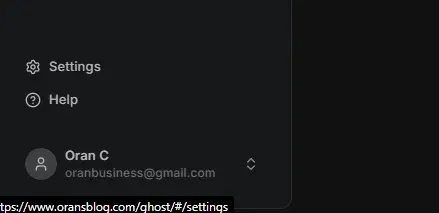


ended up going with pikapods because its cheaper thand theyir docs are better https://www.timcheadle.com/hosting-ghost-on-pikapods-and-cloudflare/
this tutorial has reeally helpful info on how to fix the www issue
coppied the contents of my old ghost folder to sftp pikapods
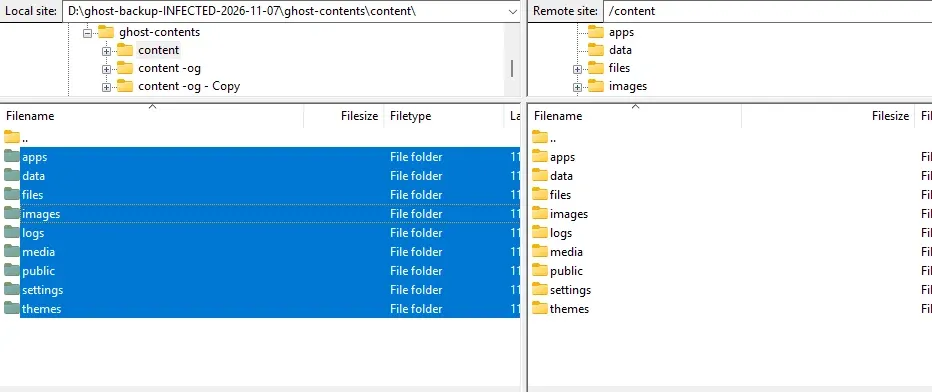
one annoying fucking thing is when you set up a custom domain for pikapods idk the username stuff gets fucked.
so i had to set mailgun up for the ghost instantce AHHH . but its worth it
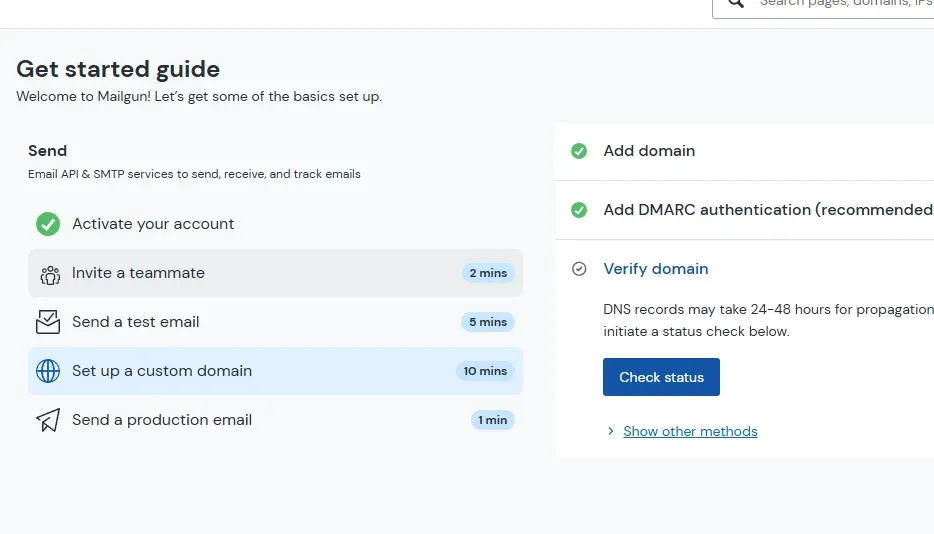
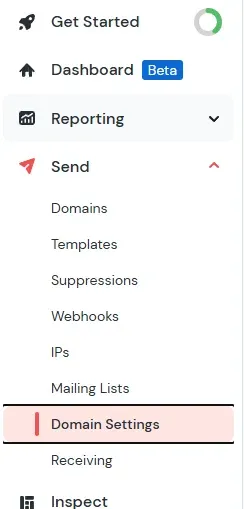
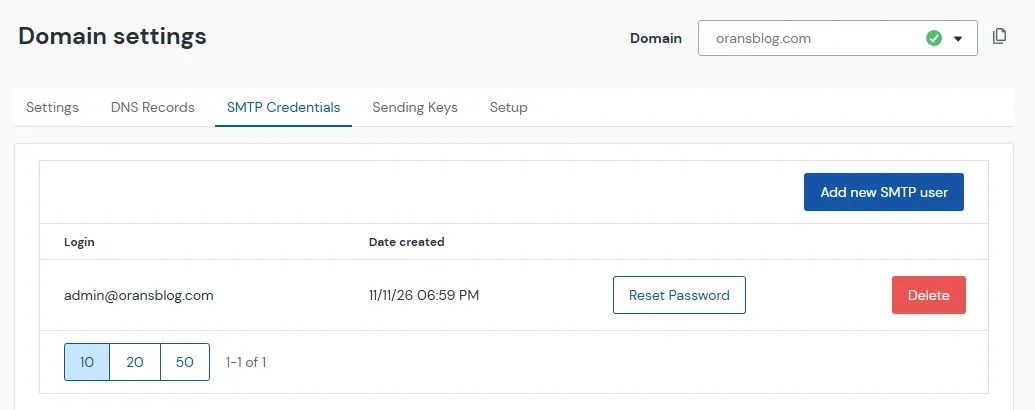
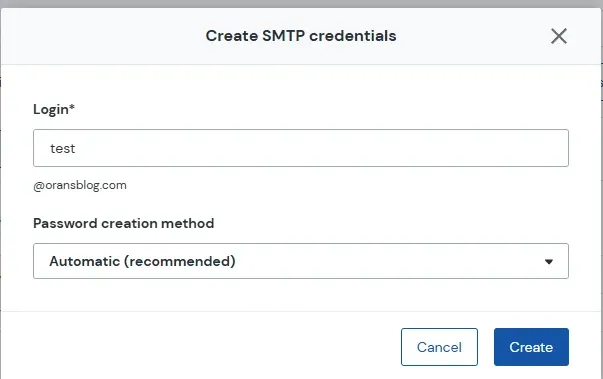
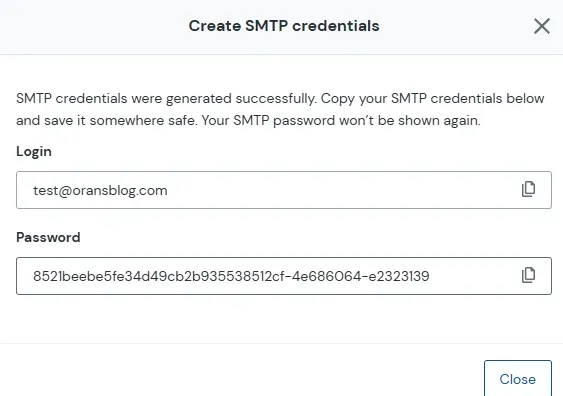
AND NO this passwrod is invalid 🫠 within pikapods
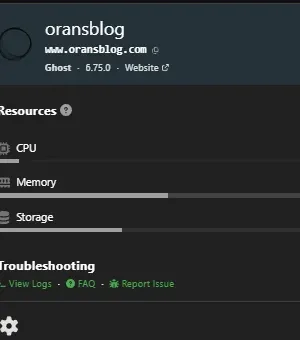
env vars follow the setting for pikapods docs https://docs.pikapods.com/apps/ghost
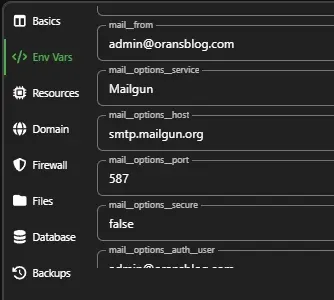
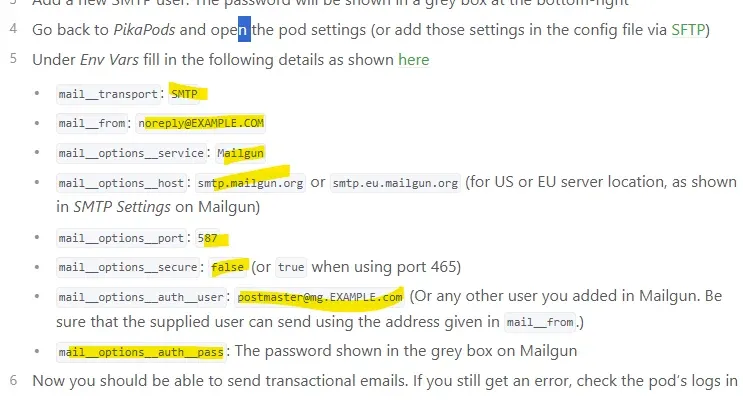
add the SMTP user from mailgun
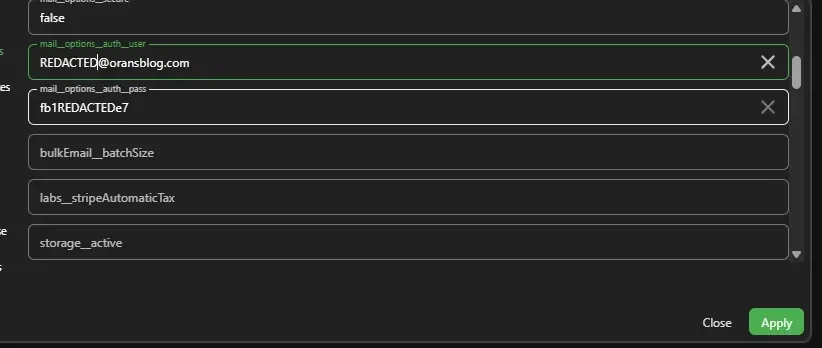
do a password reset from ghost
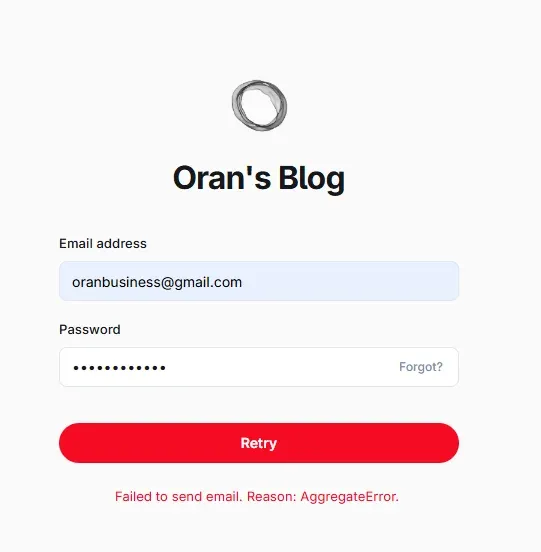
it will give you errors if you fucked up
success looks like this

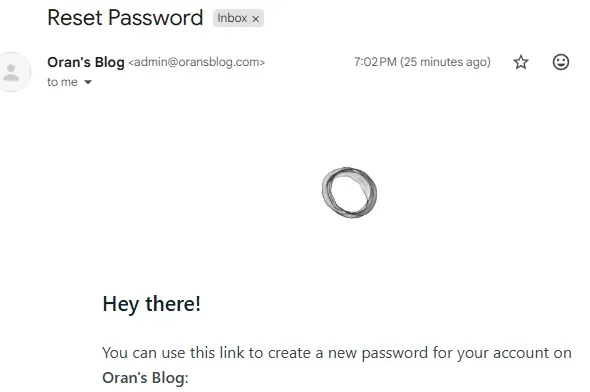
that worked!
this was so much work.
how to reduce all the images on your ghost server by multiple gbs (inmy case)

WOW SO MUCH LESS DATA! oh bonus points is reducing the size of all the images using webp trick

i converted all the images to webp but kept the file exames identical. this stops ghost from breaking image links which suckSSS ass.
and the files are super small 😎
heres the break down of files
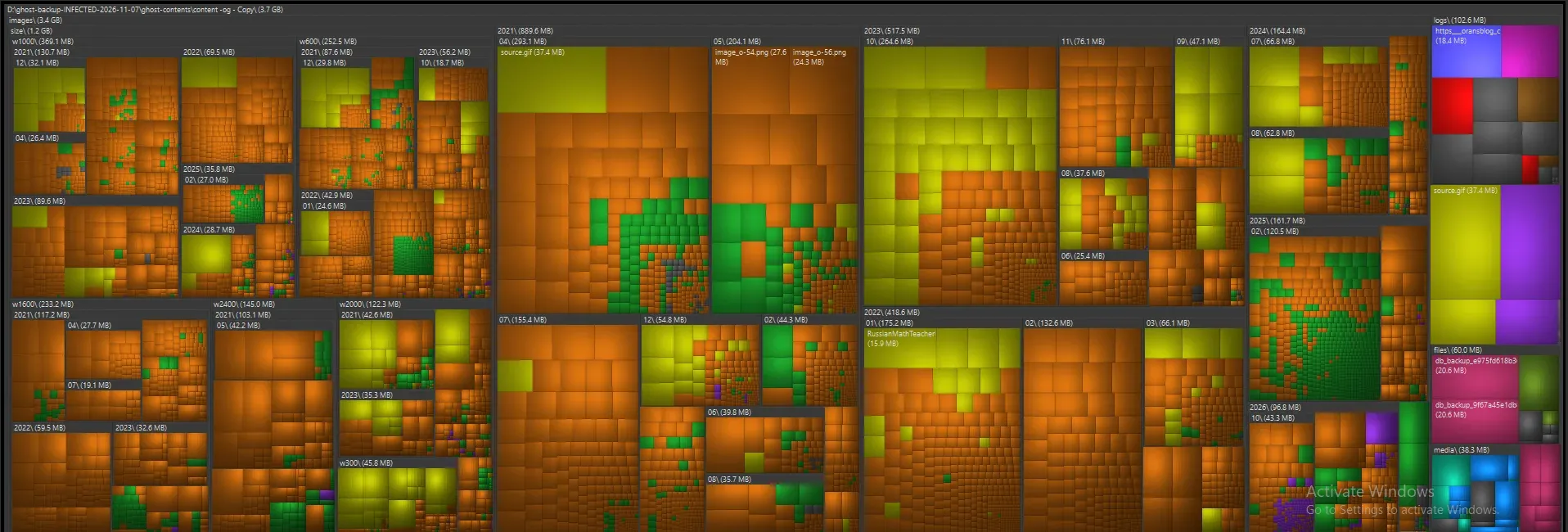
btw this is wiztree (windirstat's better and faster replacement 😎) shit tones are HUGE pngs and gifs
was

now

MUCH BETTER still dont have a good way of reducing the gif sizes tried a bunch of stuff. gif is just ass it turns out.
and not good replacements :/
the code i used
convert_to_webp2.py
#!/usr/bin/env python3
"""
Recursively convert PNG images to WebP format.

IMPORTANT:
- Keeps the original .png filename.
- Replaces the original PNG contents with WebP data.
- Does NOT create .webp files.
- Preserves transparency.
- Uses temporary files to avoid incomplete writes.

Requires:
    pip install Pillow

Usage:
    python convert_to_webp.py /path/to/images

Options:
    -q 90       WebP quality (1-100)
    -j 4        Number of workers
"""

import argparse
import os
import sys
from pathlib import Path
from concurrent.futures import ThreadPoolExecutor, as_completed

from PIL import Image


def convert(png_path: Path, quality: int) -> tuple:
    """Convert PNG contents to WebP while retaining the .png filename."""

    temp_path = png_path.with_name(png_path.name + ".tmp")

    try:
        original_size = png_path.stat().st_size

        with Image.open(png_path) as img:

            # Preserve transparency
            if (
                img.mode in ("RGBA", "LA")
                or (img.mode == "P" and "transparency" in img.info)
            ):
                img = img.convert("RGBA")
            else:
                img = img.convert("RGB")

            # Save WebP data to temporary file
            img.save(
                temp_path,
                format="WEBP",
                quality=quality,
                method=6
            )

        new_size = temp_path.stat().st_size

        # Replace original PNG contents
        os.replace(temp_path, png_path)

        savings = (
            (original_size - new_size) / original_size * 100
            if original_size else 0
        )

        return "converted", png_path, original_size, new_size, savings, None

    except Exception as exc:

        if temp_path.exists():
            temp_path.unlink()

        return "failed", png_path, 0, 0, 0, str(exc)


def main():

    parser = argparse.ArgumentParser(
        description="Convert PNG contents to WebP while keeping .png filenames."
    )

    parser.add_argument(
        "root",
        nargs="?",
        default=".",
        help="Folder to scan recursively."
    )

    parser.add_argument(
        "-q",
        "--quality",
        type=int,
        default=90,
        help="WebP quality 1-100 (default: 90)."
    )

    parser.add_argument(
        "-j",
        "--jobs",
        type=int,
        default=1,
        help="Number of images to process simultaneously (default: 1)."
    )

    args = parser.parse_args()

    if not 1 <= args.quality <= 100:
        print("Error: quality must be between 1 and 100.")
        return 1

    if args.jobs < 1:
        print("Error: jobs must be at least 1.")
        return 1

    root = Path(args.root).expanduser().resolve()

    if not root.is_dir():
        print(f"Error: directory does not exist: {root}")
        return 1

    png_files = sorted(
        p for p in root.rglob("*")
        if p.is_file() and p.suffix.lower() == ".png"
    )

    if not png_files:
        print("No PNG files found.")
        return 0

    print(f"\nFound {len(png_files)} PNG files.")
    print(f"Quality: {args.quality}")
    print(f"Workers: {args.jobs}")
    print("\nWARNING: Original PNG image data will be replaced!")
    print("Filenames will remain unchanged.\n")

    converted = 0
    failed = 0
    total_original = 0
    total_new = 0

    with ThreadPoolExecutor(max_workers=args.jobs) as pool:

        futures = {
            pool.submit(convert, path, args.quality): path
            for path in png_files
        }

        for future in as_completed(futures):

            status, path, old_size, new_size, savings, error = future.result()

            if status == "converted":

                converted += 1
                total_original += old_size
                total_new += new_size

                print(
                    f"OK: {path.name} | "
                    f"{old_size / 1024:.1f} KB -> "
                    f"{new_size / 1024:.1f} KB | "
                    f"{savings:.1f}% savings"
                )

            else:

                failed += 1
                print(f"FAILED: {path} | {error}", file=sys.stderr)

    print("\n========== SUMMARY ==========")
    print(f"Converted: {converted}")
    print(f"Failed: {failed}")
    print(f"Original size: {total_original / 1024 / 1024:.2f} MB")
    print(f"New size: {total_new / 1024 / 1024:.2f} MB")

    if total_original:
        total_savings = (
            (total_original - total_new) / total_original * 100
        )
        print(f"Total size reduction: {total_savings:.1f}%")

    print("=============================")

    return 1 if failed else 0


if __name__ == "__main__":
    raise SystemExit(main())
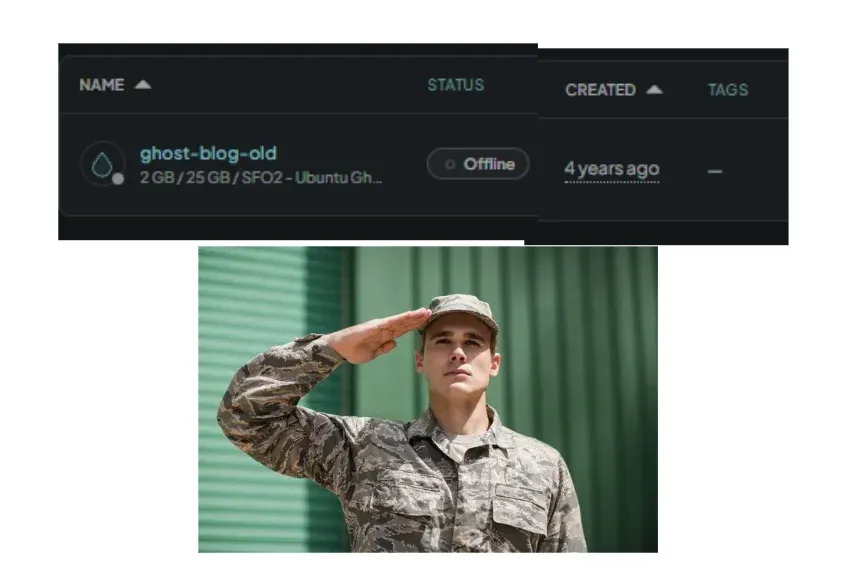
Longest running server of mine. you will be missed
- oran