> ## Content Index
> Fetch the complete content index at: https://www.oransblog.com/llms.txt
> Use this file to discover other available public pages before exploring further.
# Chatgpt Plugin in 5 minutes*. (V2)
- URL: https://www.oransblog.com/chatgpt-plugin/
- Published: 2023-10-01T17:16:28.000Z
- Updated: 2026-10-29T05:58:25.000Z
- Description: Want to make a chatgpt plugin that reaches thousands of people? here's how
- Author: Oran C
- Tags: ChatGPT, MachineLearning, development, software, #Import 2026-11-12 01:14
## Want to make a chatgpt plugin that reaches thousands of people?
## here's how
# Prerequisites:
- OpenAI's developer plugin Access: signup for waitlist Here => [https://openai.com/waitlist/plugins](https://openai.com/waitlist/plugins?ref=oransblog.com)
- Paid subscriber to `ChatGPT Plus` $20 usd per month
- Have ability's write Python code (you can use other languages this tut uses python😎)
- Have a Replit account => signup here [https://replit.com/signup](https://replit.com/signup?ref=oransblog.com)
- Have a cool idea for a plugin 😁, or make a dumb idea to get the process, then make something more useful
Note:
#### \* well not actually 5 minutes, but close
## Lets begin
# Fork my Chatgpt Plugin Template Replit Repository
LINK: [https://replit.com/@wisemonkey/ChatGPTPluginTemplate](https://replit.com/@wisemonkey/ChatGPTPluginTemplate?ref=oransblog.com)
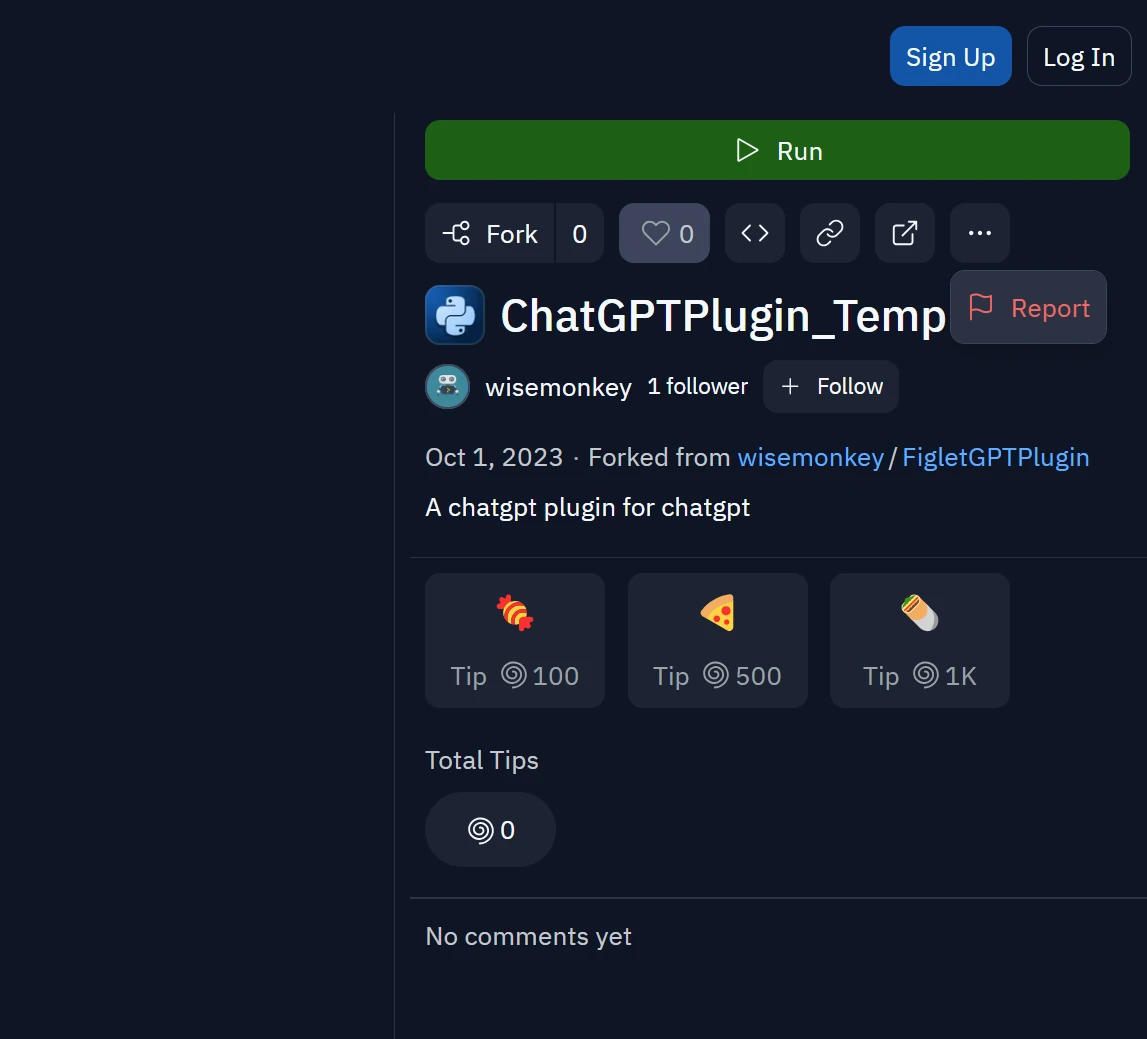
click on "FORK"
## Some context
# Basic Structure of a chatgpt plugin
### 1) well-known/ai-plugin.json
### 2) Main.py
### 3) openapi.yaml
## well-known/ai-plugin.json
this is the configuration file for your app. it tells chatgpt's servers,
- what your app name is
- what it will do aka the "description"
- what your terms of service are
- whats the plugin logo
- whats your developer email
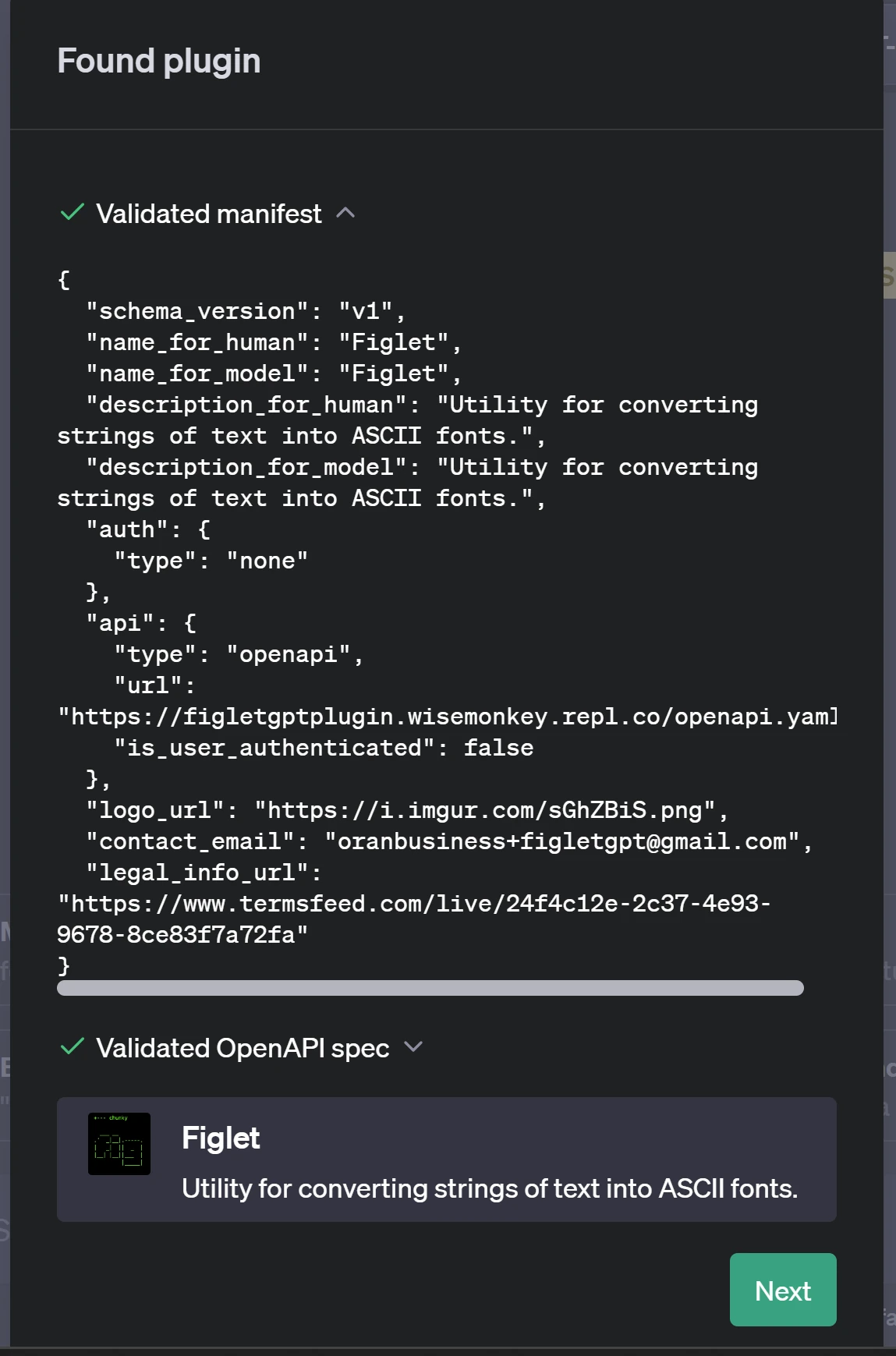
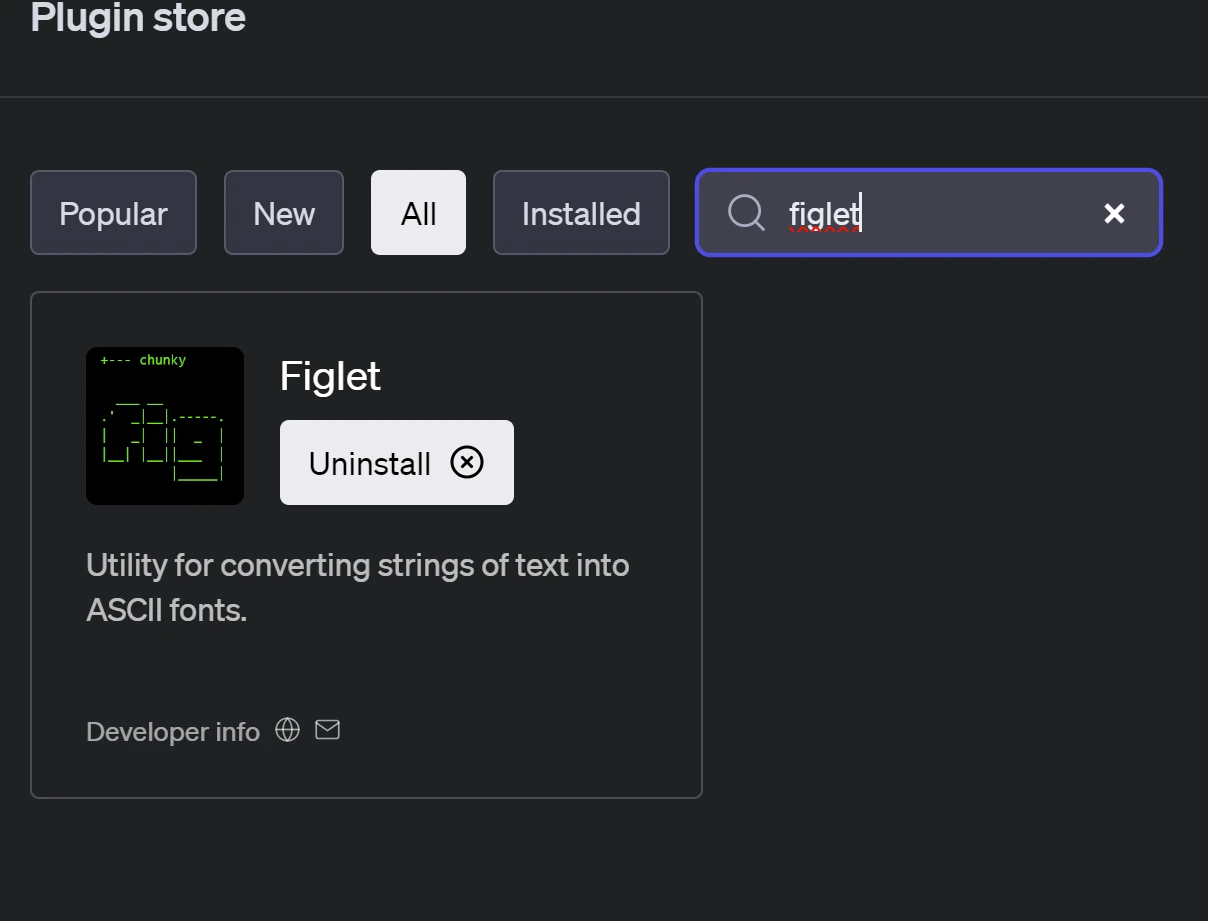
# heres and example from my app called "figlet", this is the plugin store
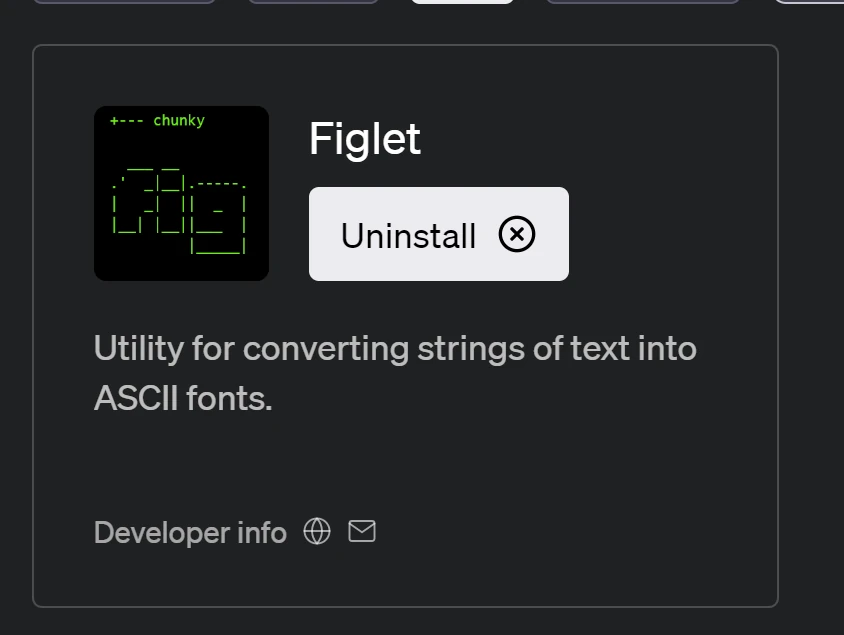
## see the name, logo and description
## Main.py
### Main.py (your app code) which is a python webserver
### using flask that is the heart of your app
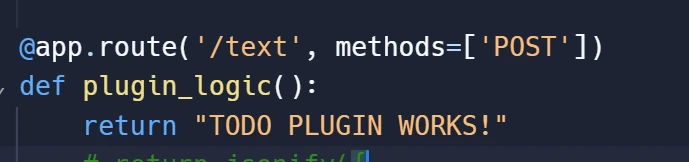
### pretty much all the intere plugin does is return text when a api endpoint is called by the chatgpt plugin
#### `curl myapp.username.replit.co/text`
#### returns "TODO PLUGIN WORKS"
### but the get request is made by chatgpt's servers
## openapi.yaml
### 3) openapi.yaml (the hardest part of the process, because its not normal programming)
#### its total black magic, ML prompt engineering
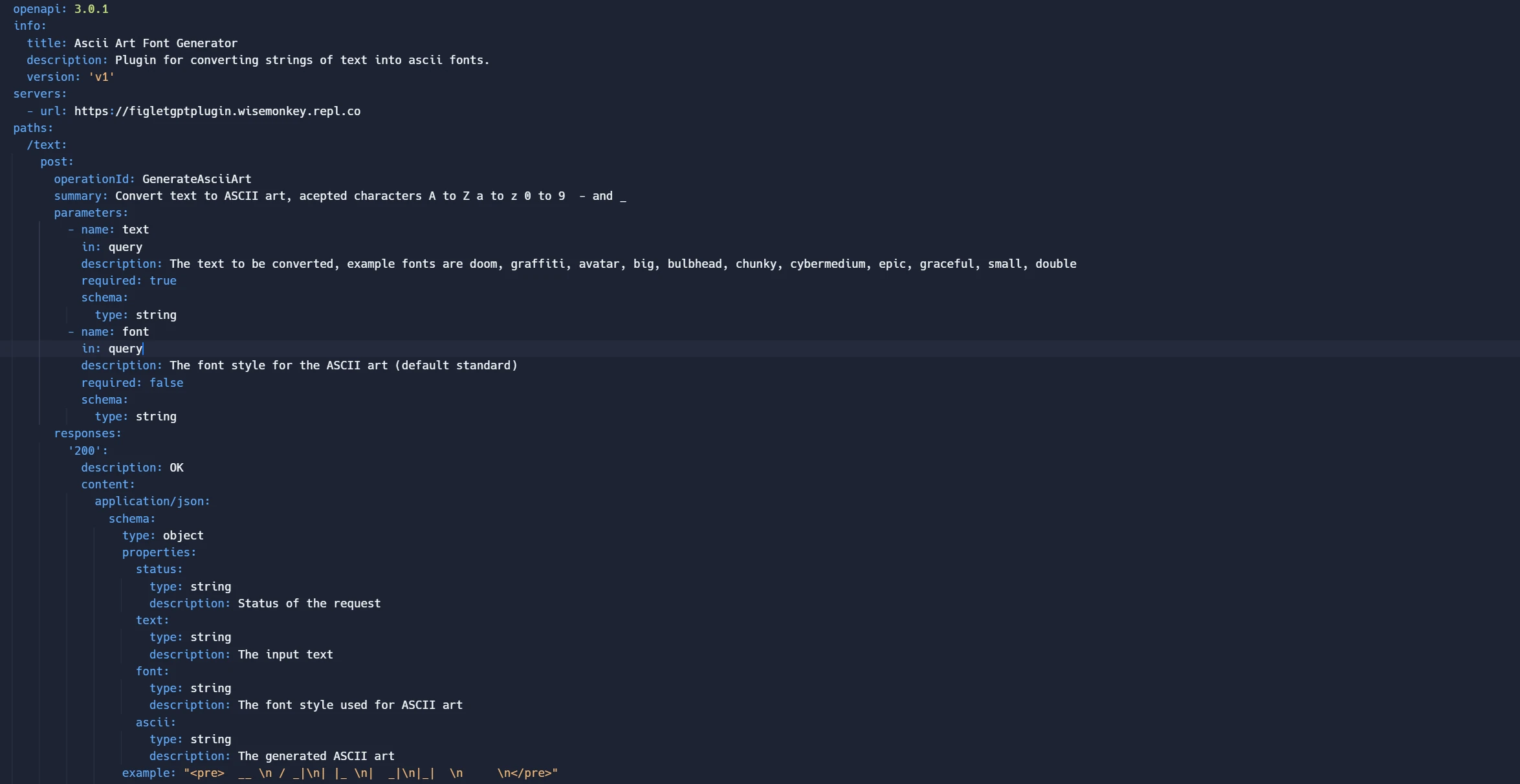
here are the most important fields to get correct
# Important fields to get right
example: Full code is in repo [https://replit.com/@wisemonkey/ChatGPTPluginTemplate](https://replit.com/@wisemonkey/ChatGPTPluginTemplate?ref=oransblog.com)
```yaml
url: https://figletgptplugin.wisemonkey.repl.co
operationId: GenerateAsciiArt
description: The text to be converted, example fonts are doom, graffiti, avatar, big, bulbhead, chunky, cybermedium, epic, graceful, small, double
description: The font style for the ASCII art (default standard)
summary: Convert text to ASCII art, acepted characters A to Z a to z 0 to 9 - and _
example: " __ \n / _|\n| |_ \n| _|\n|_| \n \n
"
```
note: "example:..." give the ml model a template for how it should display to the user, otherwise the output can become inconsistant
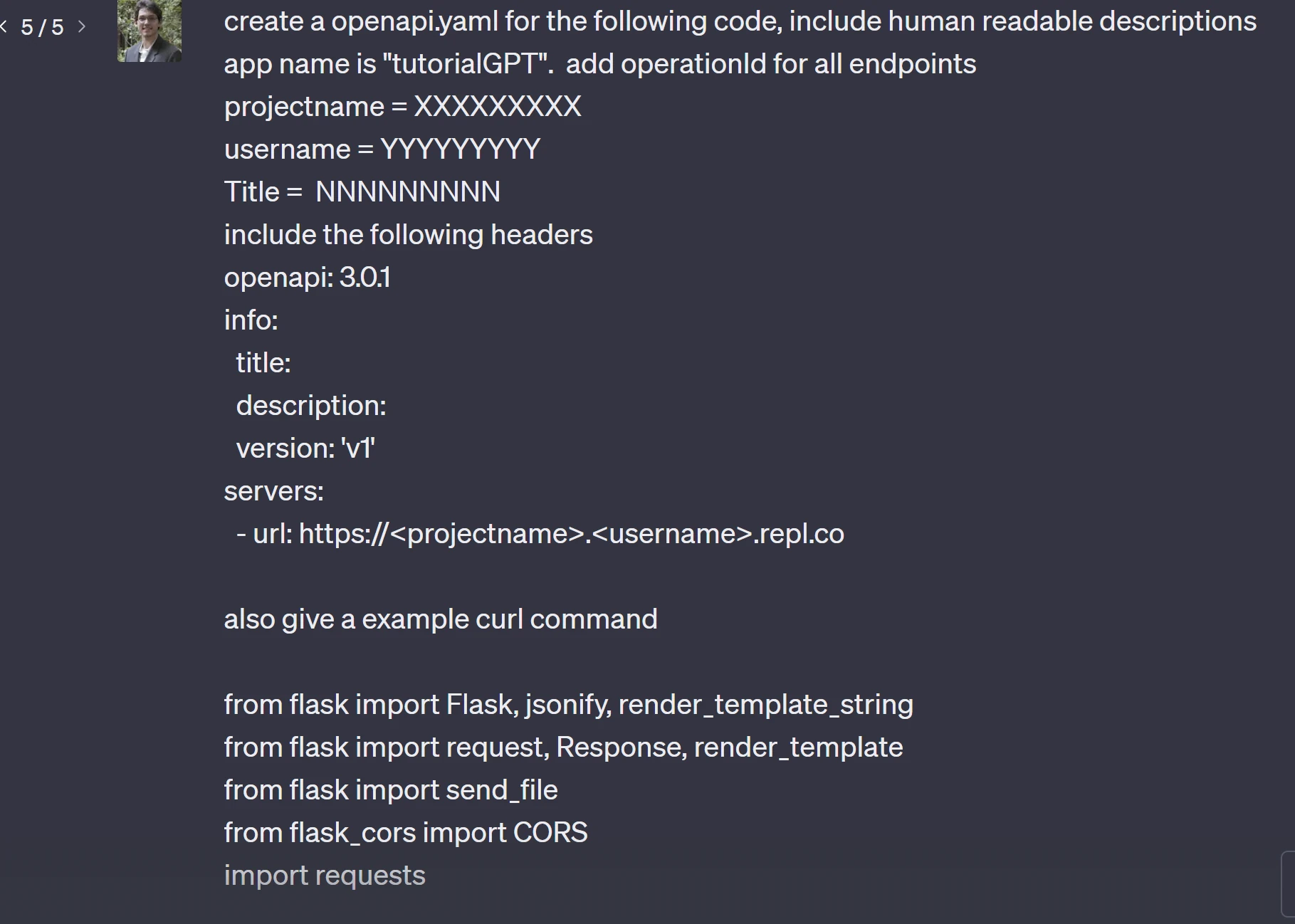
# how to create openapi.yaml using Chatgpt
copy the contents of `main.py` into the prompt with the following prompt
```chatgpt
create a openapi.yaml for the following code, include human readable descriptions
app name is "tutorialGPT". add operationId for all endpoints
projectname = XXXXXXXXX
username = YYYYYYYYY
Title = NNNNNNNNN
include the following headers
openapi: 3.0.1
info:
title:
description:
version: 'v1'
servers:
- url: https://..repl.co
also give a example curl command
```
NOTE edit `projectname` to be , and `username` to be user name from replit url
## example screenshot
# output
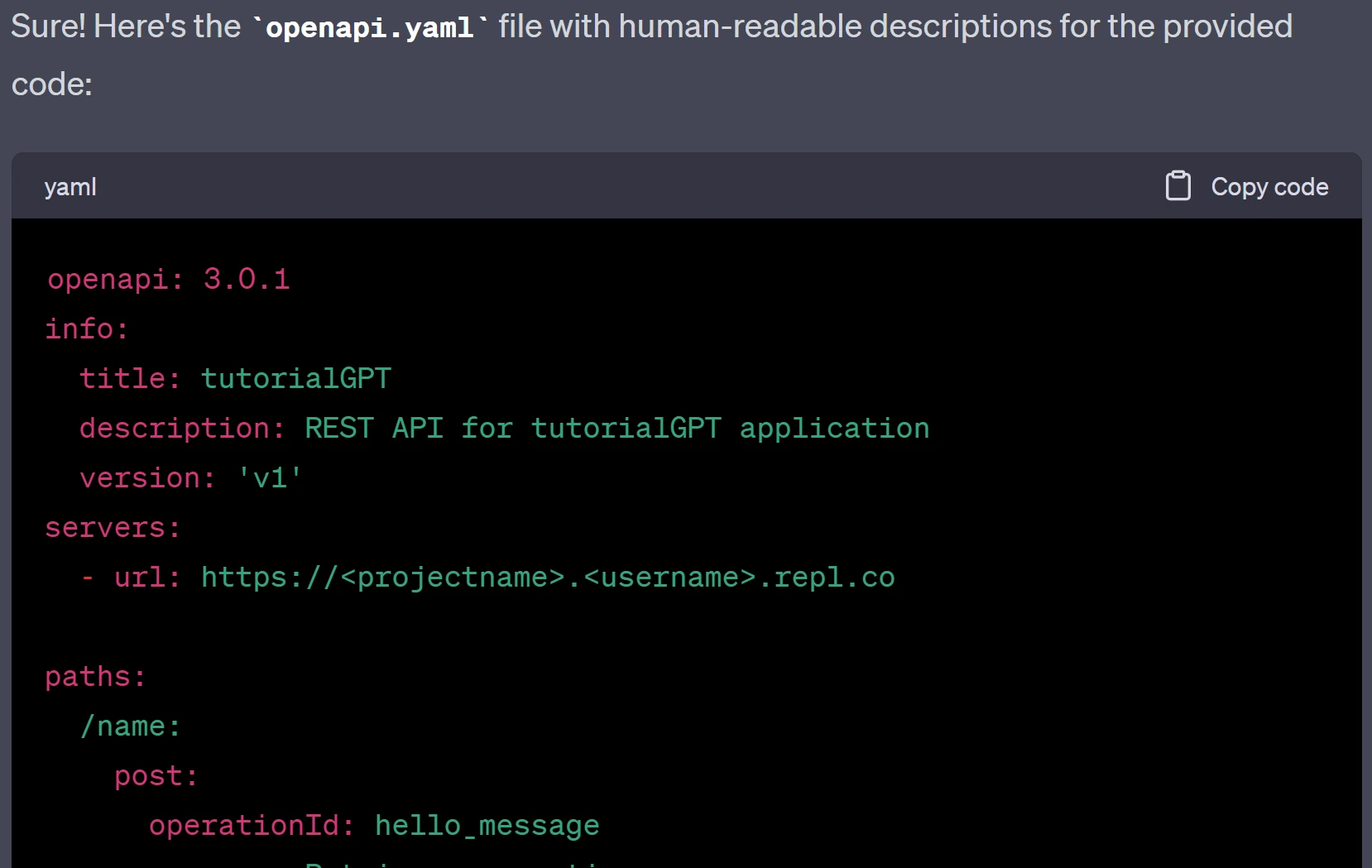
Example cURL command:
```bash
curl -X POST -H "Content-Type: application/json" -d '{"text": "John"}' https://..repl.co/name
```
Full example:
```yaml
openapi: 3.0.1
info:
title: ChatGPTPlugin
description: This is the API documentation for the ChatGPTPlugin.
version: 'v1'
servers:
- url: https://ChatGPTPluginTemplate.wiesemonkey.repl.co
paths:
/text:
post:
summary: Plugin Logic
description: Endpoint for plugin logic.
operationId: pluginLogic
responses:
'200':
description: Successful response.
content:
text/plain:
example: "TODO PLUGIN WORKS!"
/logo.png:
get:
summary: Get Plugin Logo
description: Endpoint to retrieve the plugin logo.
operationId: pluginLogo
responses:
'200':
description: Successful response.
content:
image/png:
example: "Binary data for image"
/.well-known/ai-plugin.json:
get:
summary: Plugin Manifest
description: Endpoint to retrieve the plugin manifest in JSON format.
operationId: pluginManifest
responses:
'200':
description: Successful response.
content:
application/json:
example: "{...}"
/openapi.yaml:
get:
summary: OpenAPI Specification
description: Endpoint to retrieve the OpenAPI specification in YAML format.
operationId: openapiSpec
responses:
'200':
description: Successful response.
content:
text/yaml:
example: "openapi: 3.0.1\ninfo: {...}"
/:
get:
summary: Index Page
description: Endpoint to retrieve the index page.
operationId: indexPage
responses:
'200':
description: Successful response.
content:
text/html:
example: "..."
```
# now copy the contents to openai.yaml
and edit the following fields to match your app's purpuse
# super important!
change URL to the `url of your app` otherwise it will `not run` within chatgpt
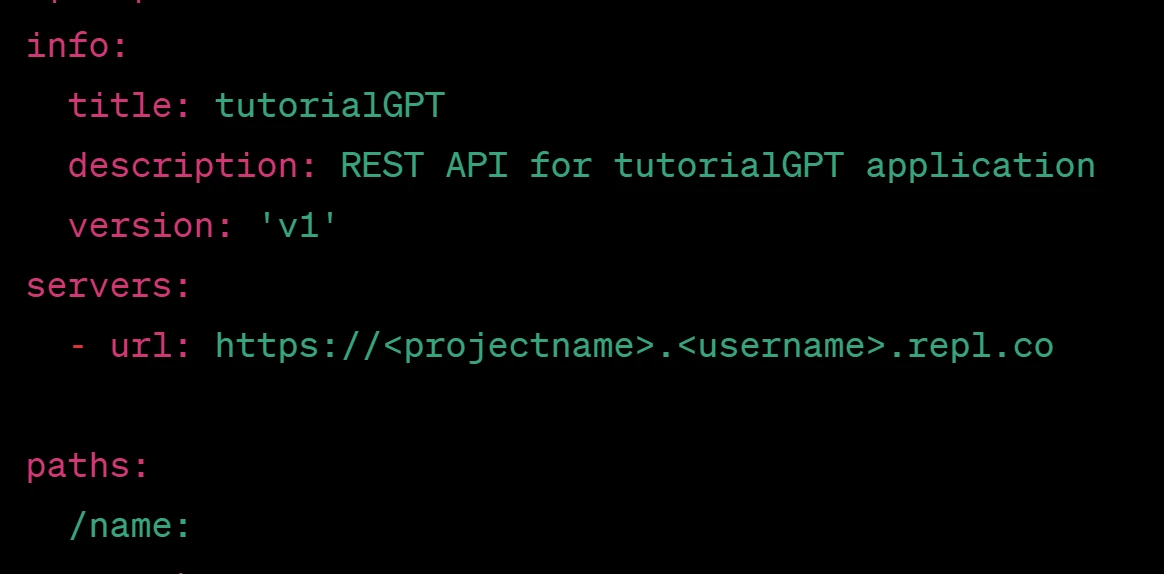
example from my app
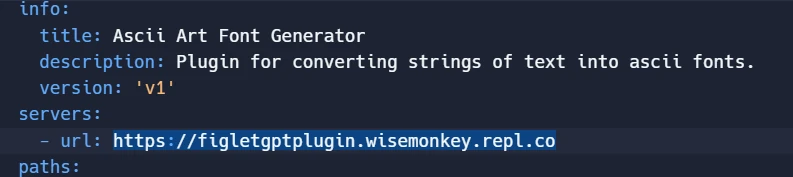
# how to get the `url`
### run the program


grab the url from the `web view`
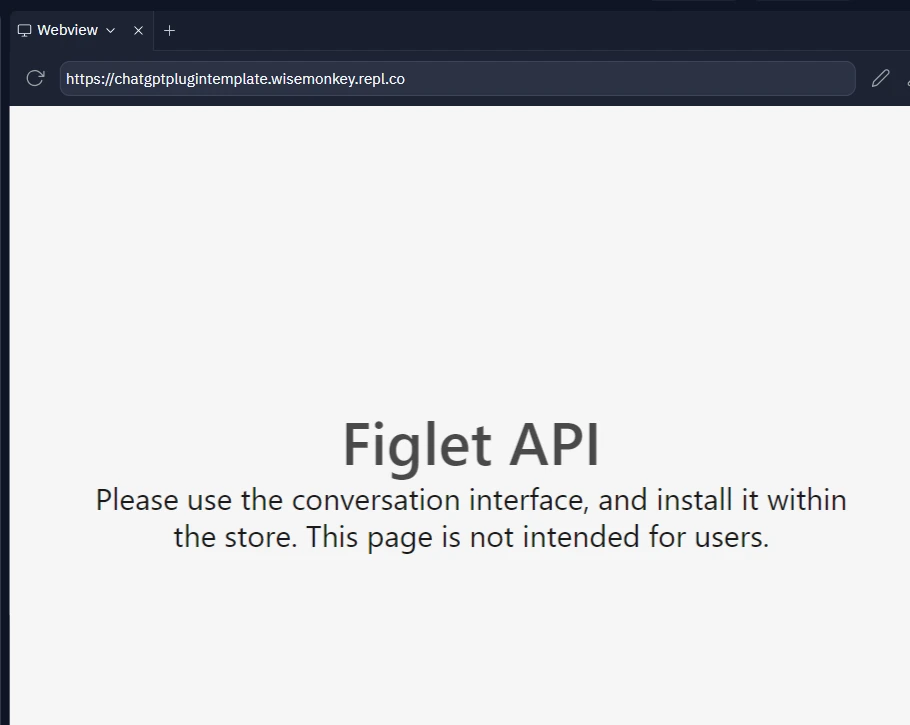
*https://..repl.co* becomes h[ttps://chatgptplugintemplate.wisemonkey.repl.co](https://chatgptplugintemplate.wisemonkey.repl.co/?ref=oransblog.com)
example:
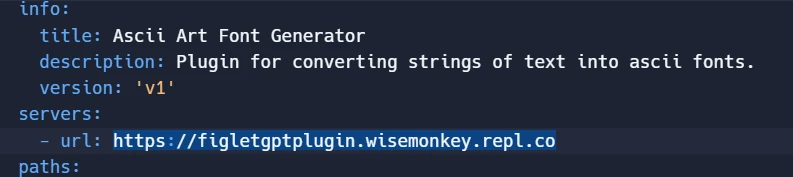
# Make sure to edit
# Key Ideas
- example `create a ascii text art of 'banana'`, where ascii and text are included in the description
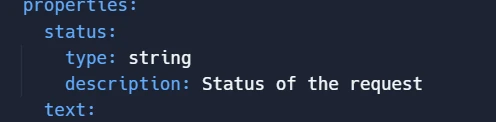
- common bug is chatgpt doesnt call your plugin api because the responce "types: " dont have anything
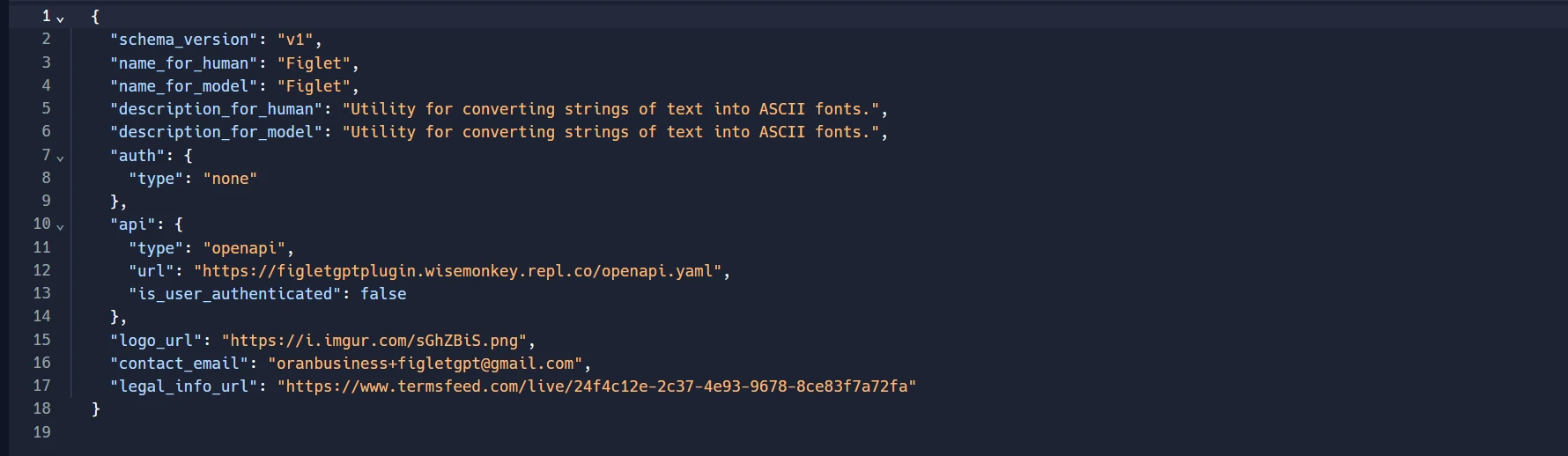
## wellknown/ai-plugin.json
full example from my app
NOTE:
❌INCORRECT! ive made the mistake a few times IMPORTANT TO ADD '/openapi.yaml' to the end
```
"url": "https://figletgptplugin.wisemonkey.repl.co/",
```
✅this is correct
```
"url": "https://figletgptplugin.wisemonkey.repl.co/openapi.yaml",
```
# Other fields
#### Add a description for the human
```json
....
"schema_version": "v1",
"name_for_human": "___NAME_OF_PLUGIN_CANT_INCLUDE_WORD_CHATGPT__",
"name_for_model": "___NAME_OF_PLUGIN_CANT_INCLUDE_WORD_CHATGPT__",
....
```
becomes
```json
"schema_version": "v1",
"description_for_human": "Utility for converting strings of text into ASCII fonts.",
"description_for_model": "Utility for converting strings of text into ASCII fonts."
.....
```
some examples:
- *"Utility for converting strings of text into ASCII fonts."*
- *"Manage your TODO list. You can add, remove and view your TODOs."*
- *"Plugin for managing a TODO list, you can add, remove and view your TODOs"*
### Key idea
- Be short and concise, include words that the user will actually use, applies for both `ai-plugin.json` and `openai.yaml`
## Lets do some development
# after forking the replit repo hit 'run', if everything worked you should be ready

# Go to [https://chat.openai.com/](https://chat.openai.com/?model=text-davinci-002-render-sha&ref=oransblog.com)
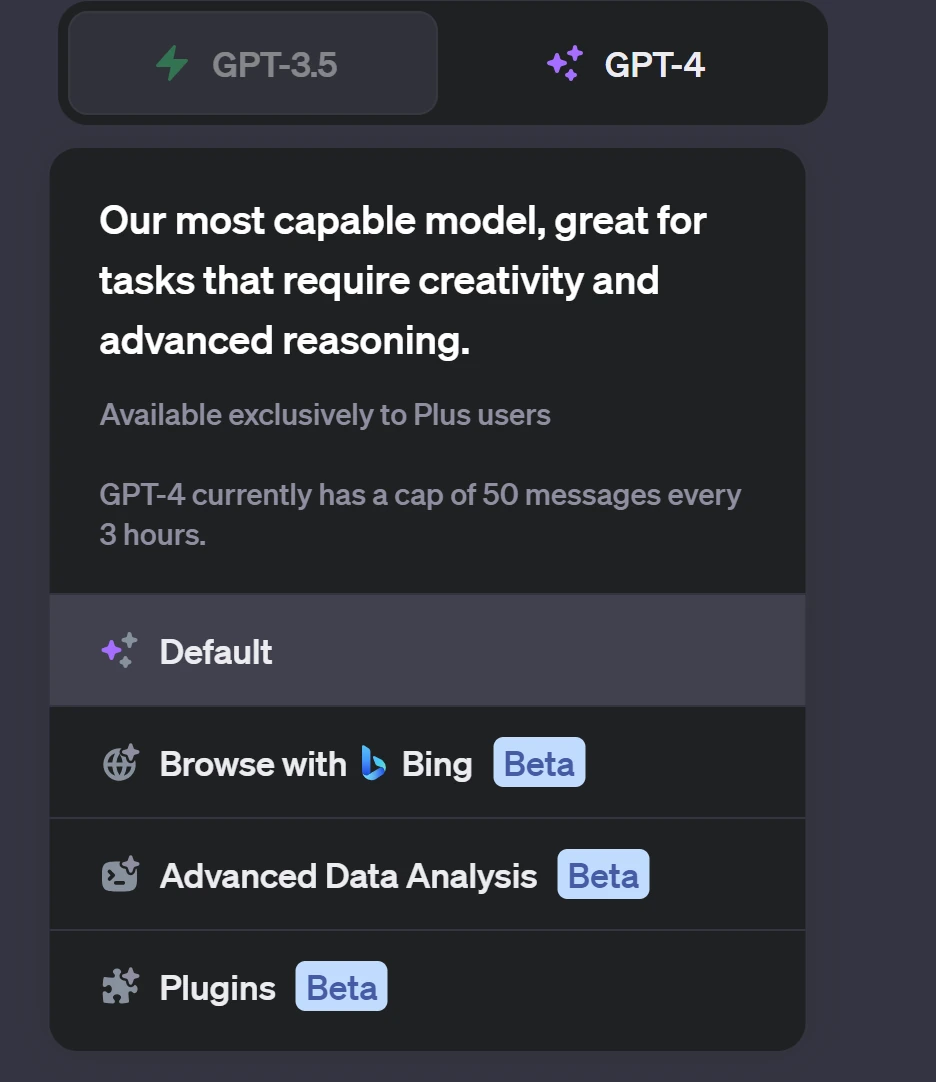
then click on plugins "beta" (last updated 20231001)
now click on the 🔽 arrow
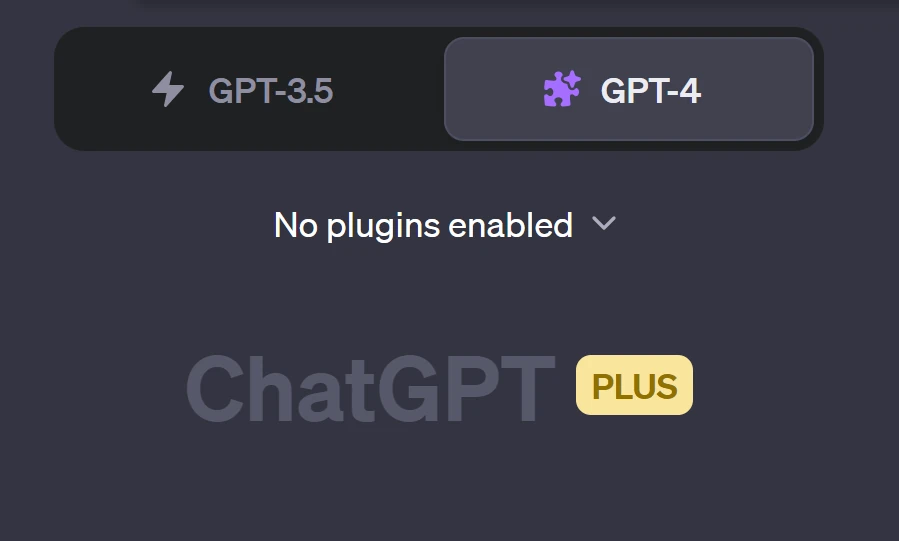
scroll to bottom and click on 'plugins' store
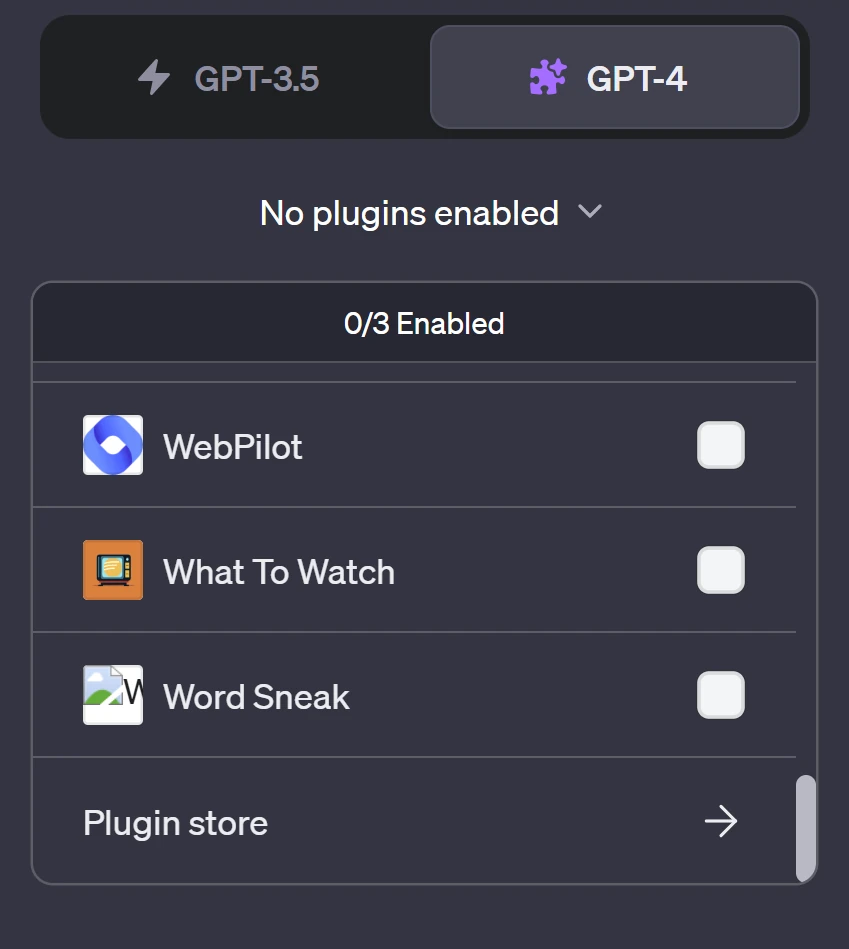
now click on install develop your own plugin
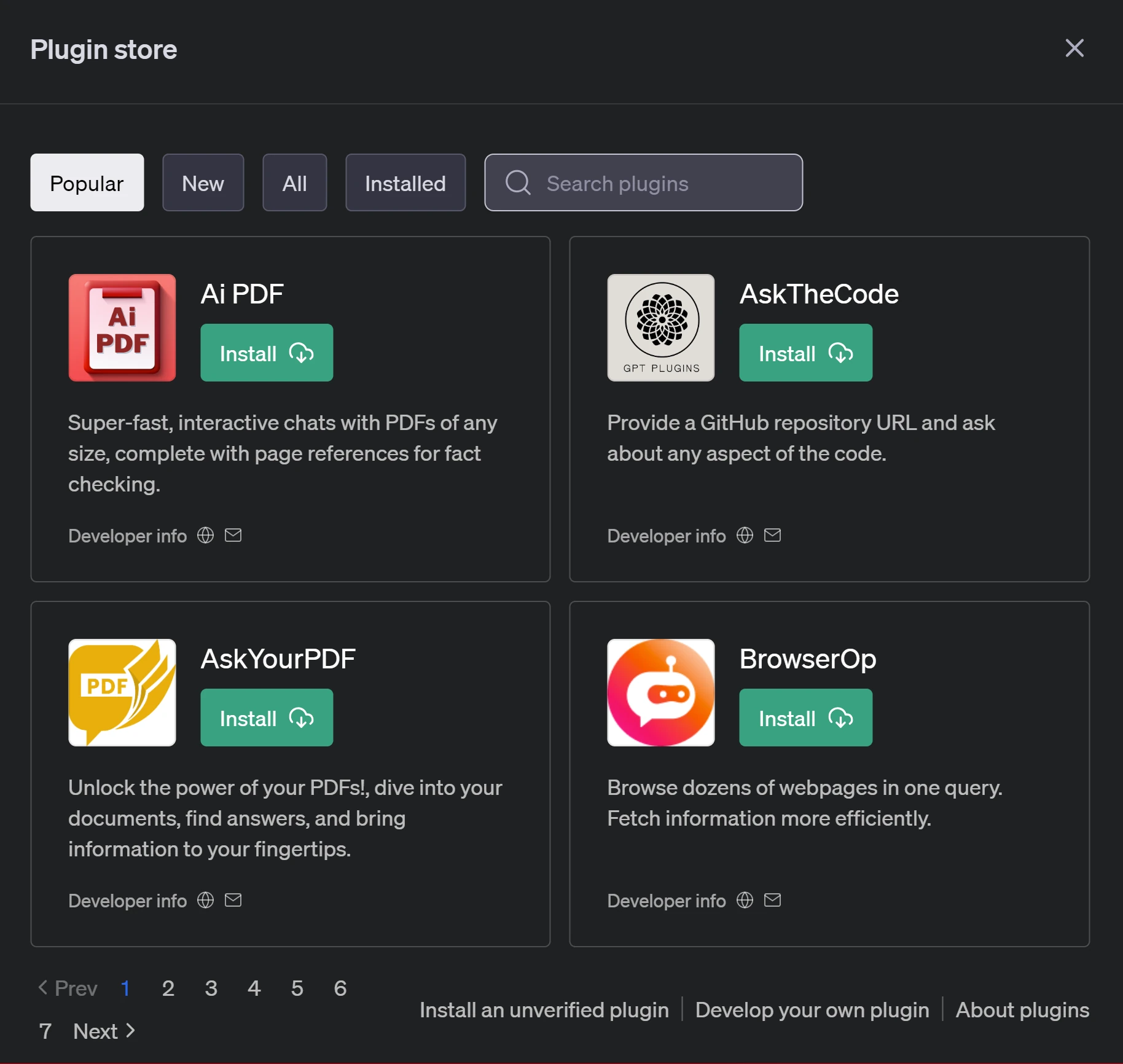
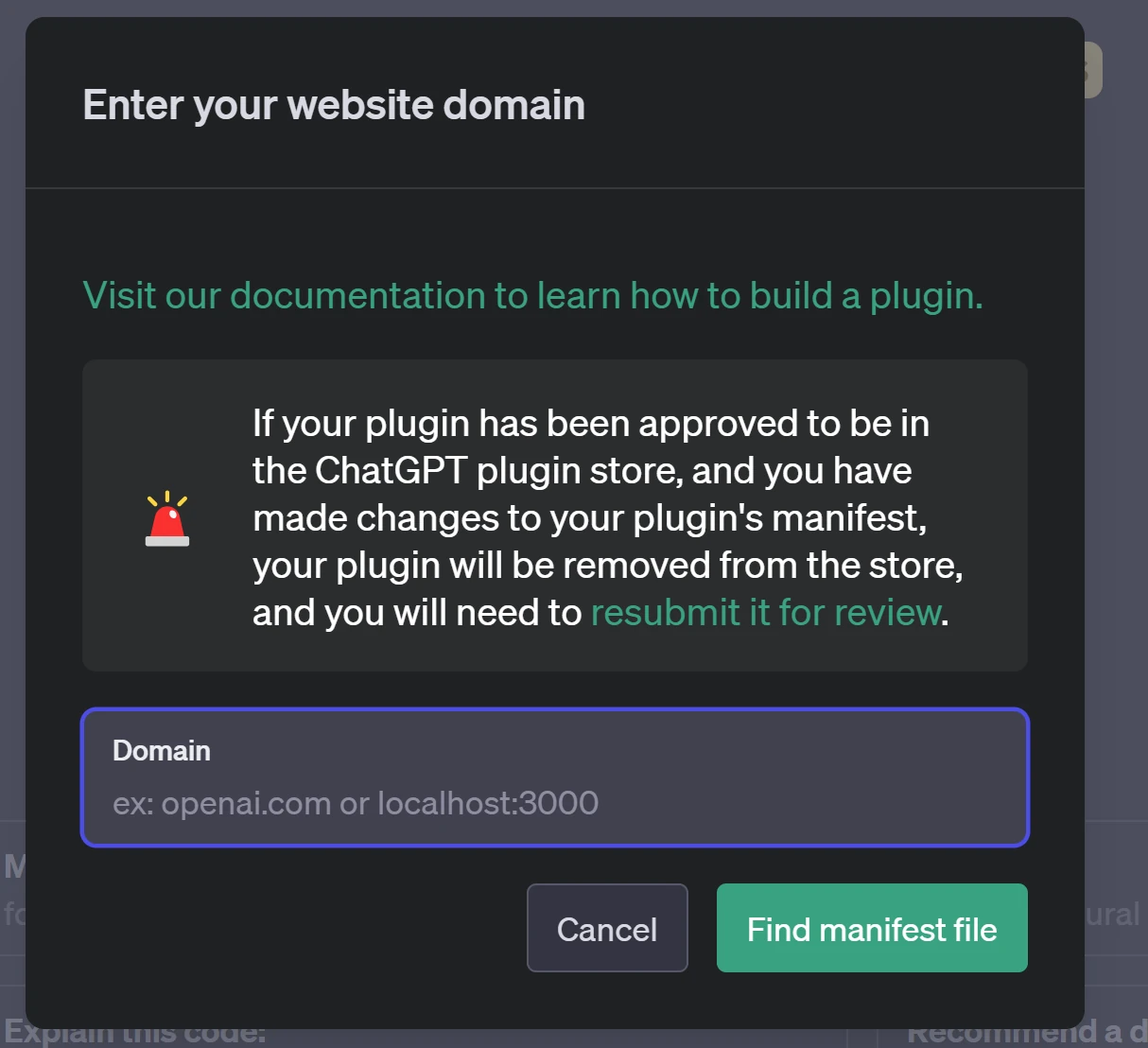
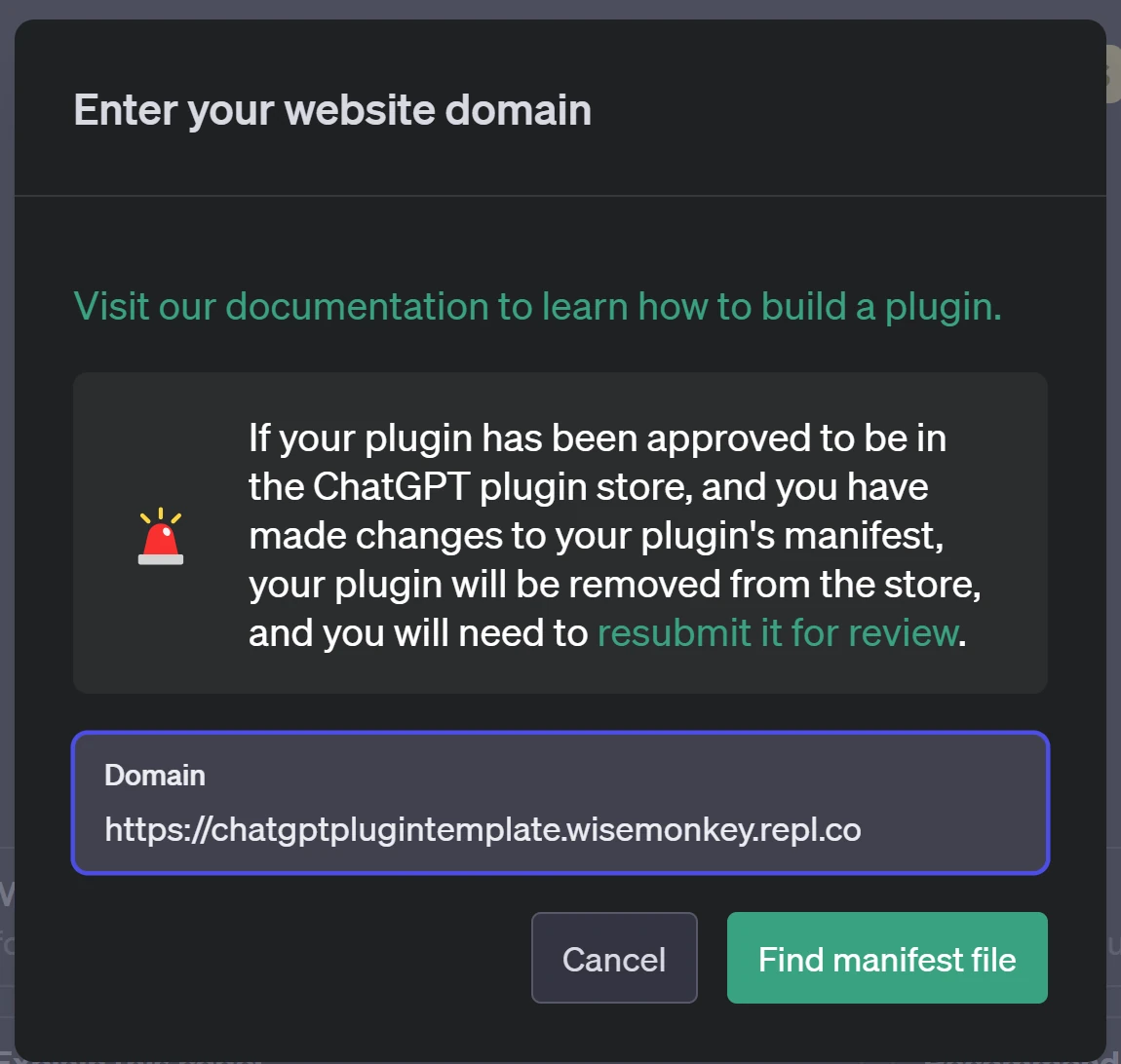
Enter in the url from replit
example: [https://chatgptplugintemplate.wisemonkey.repl.co](https://chatgptplugintemplate.wisemonkey.repl.co/?ref=oransblog.com)
the format: *https://{PROJECTNAME}.{REPLIT\_USERNAME}.repl.co*
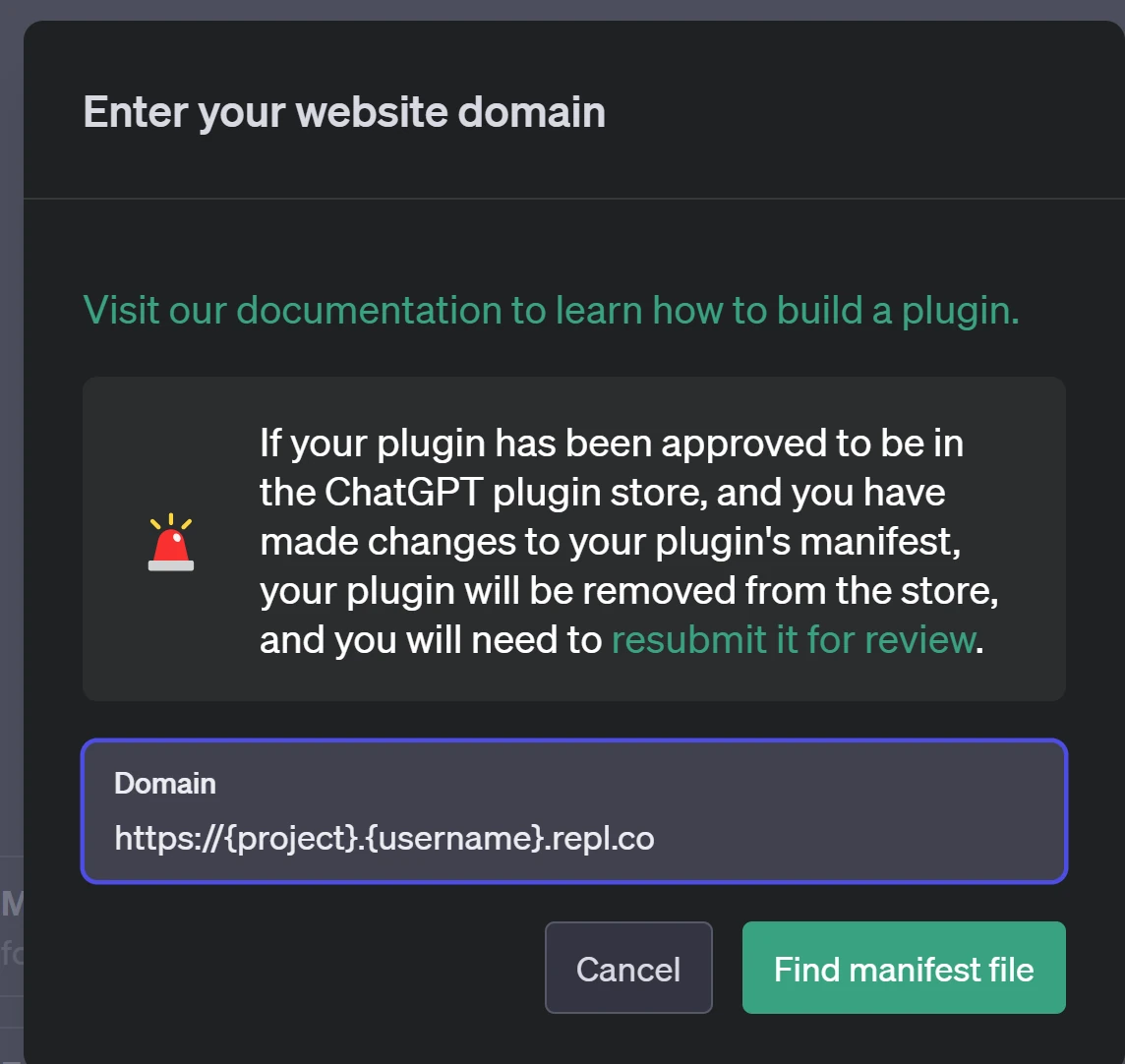
replace "{project}" and "{username}" with your own projects url info
# Wait its not working!
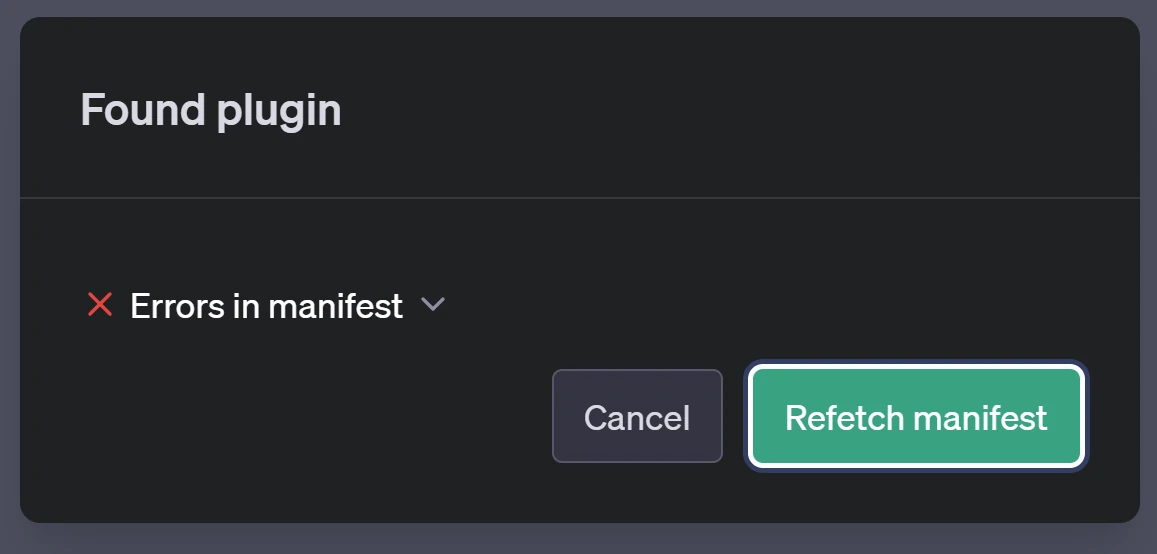
### this is SUPER COMMON
what this means is you didnt update *openai.yaml* to be the correct url
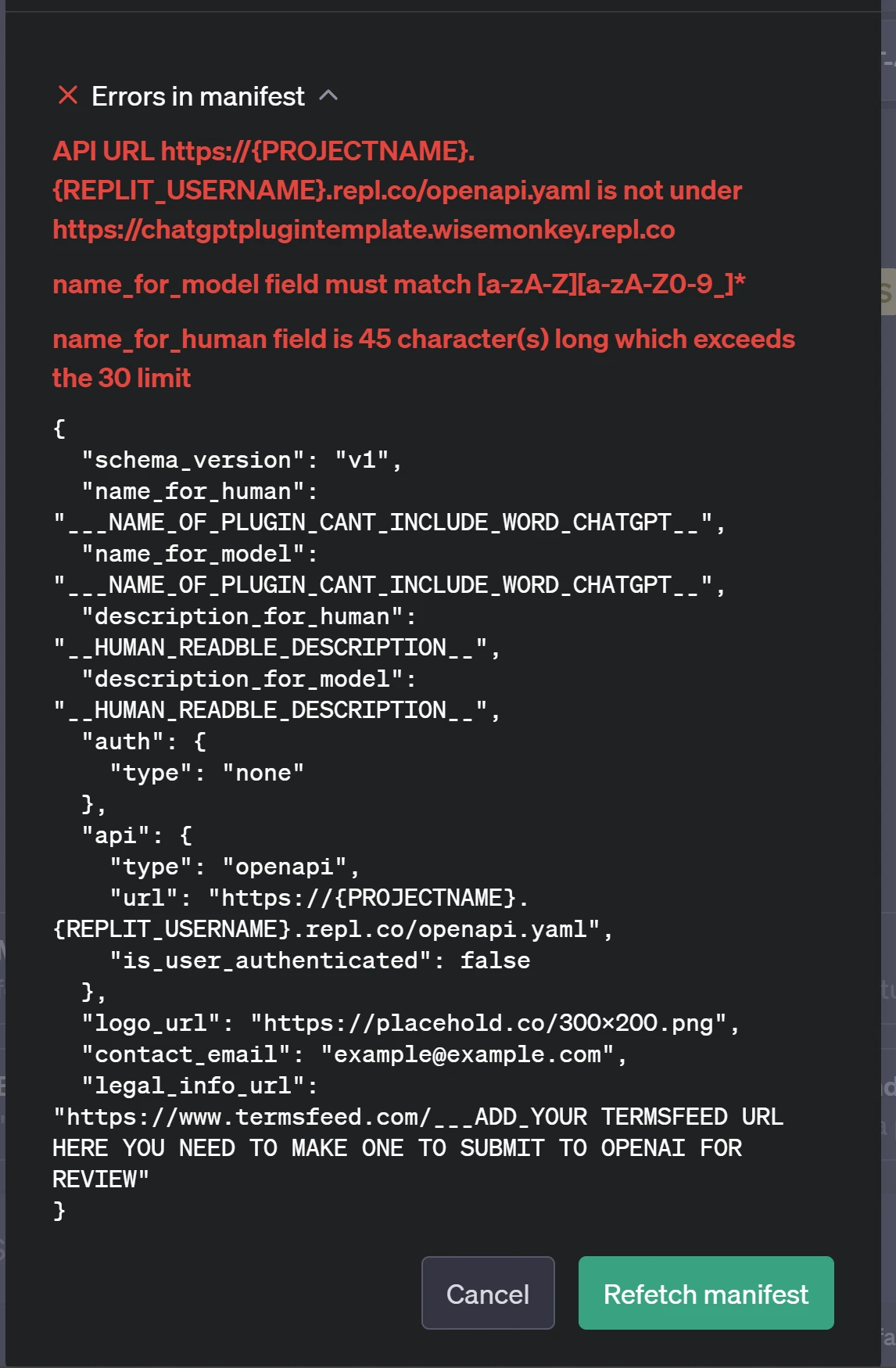
Keep doing this process until you get no more errors
# common issues:
### Yaml not formated correctly
### how to fix it
copy paste openai.yaml into [https://jsonformatter.org/yaml-validator](https://jsonformatter.org/yaml-validator?ref=oransblog.com)
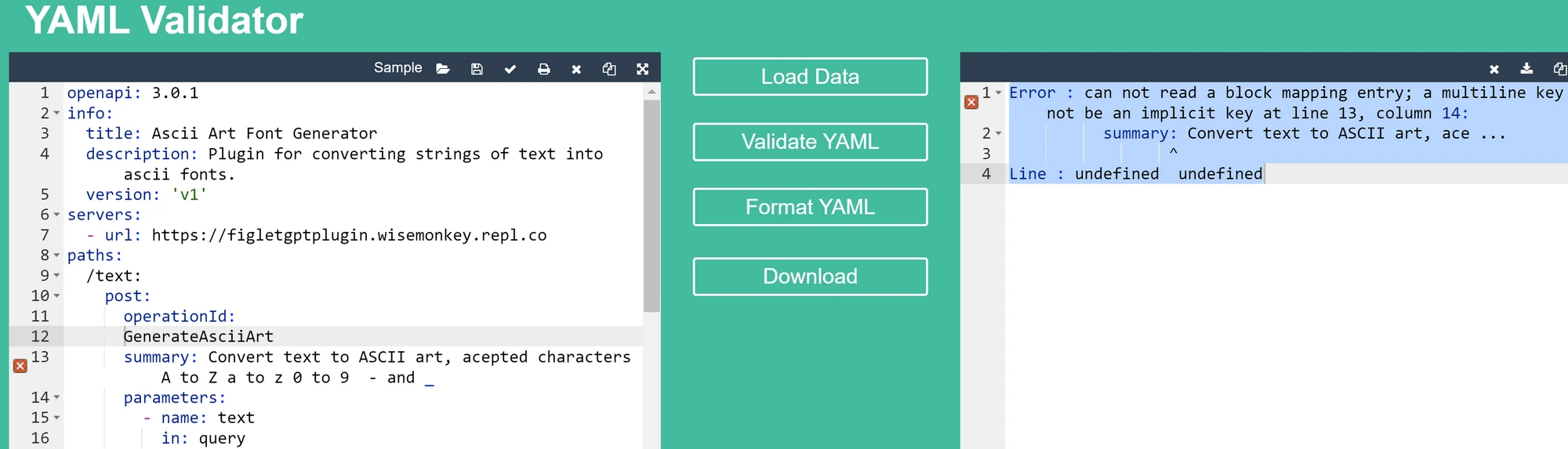
Success looks like
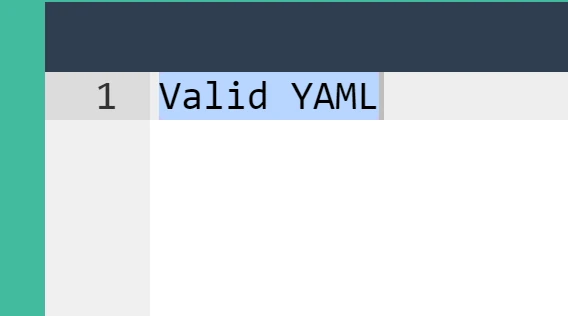
that should fix the Erro yaml not formated correctly

---
# Stick with it, this is the hard part to getting everything working
---
# heres what success looks like
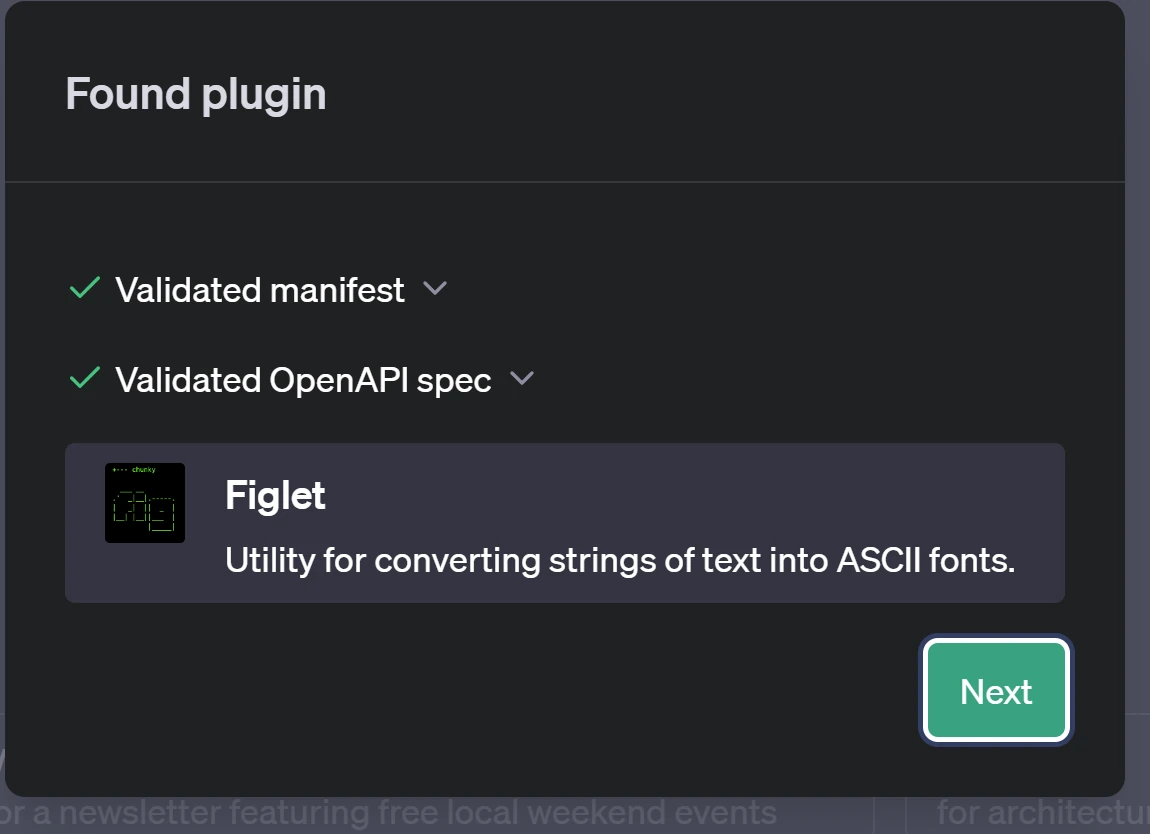
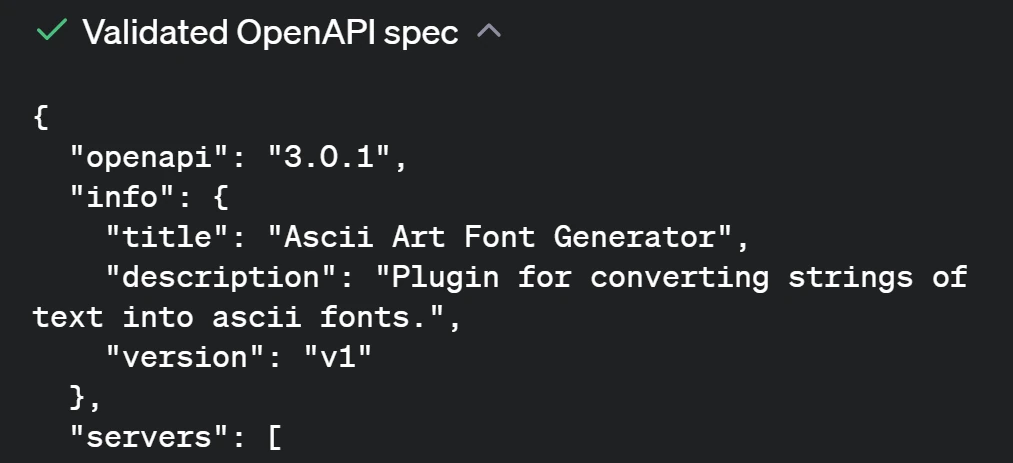
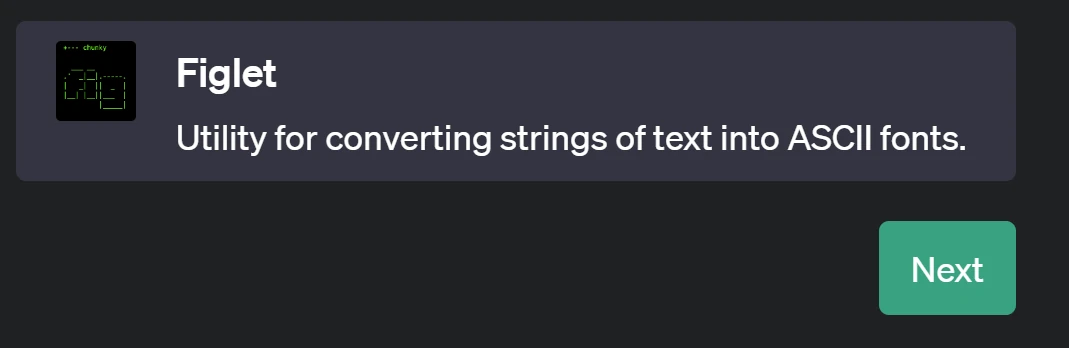
# Click next
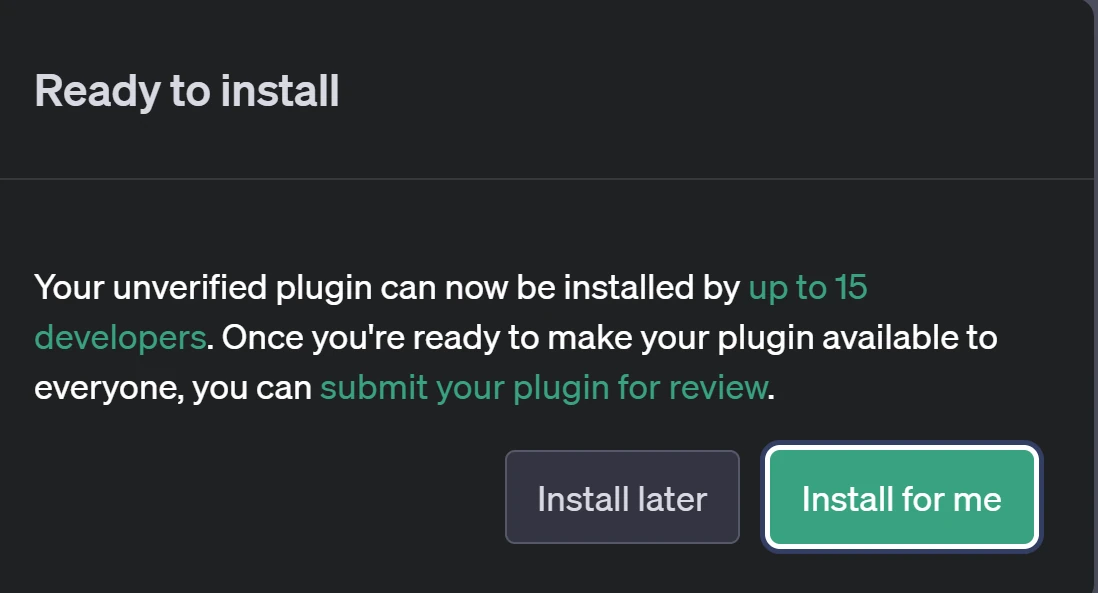
# click Install for me
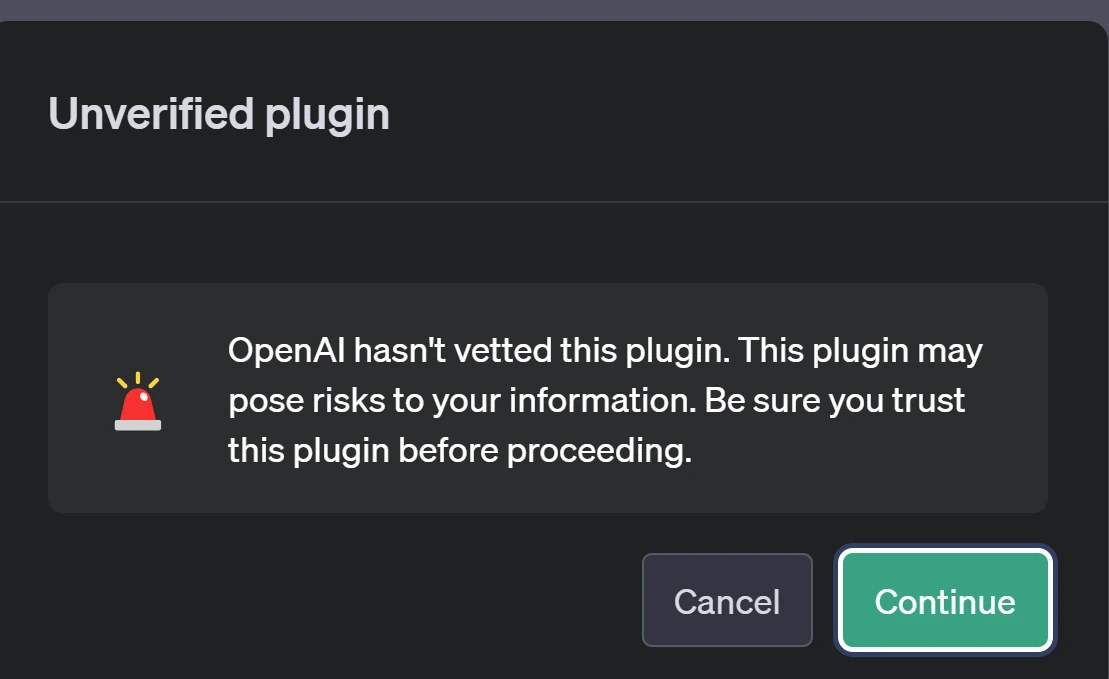
# click `continue`
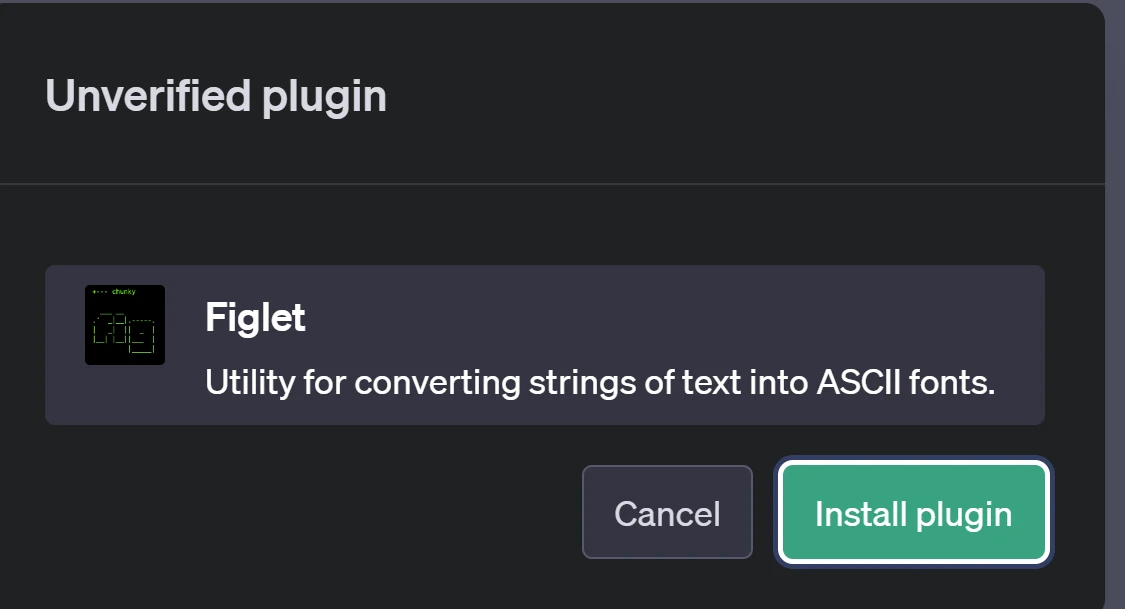
# Click install plugin
# You know it installed correctly when you have gotten
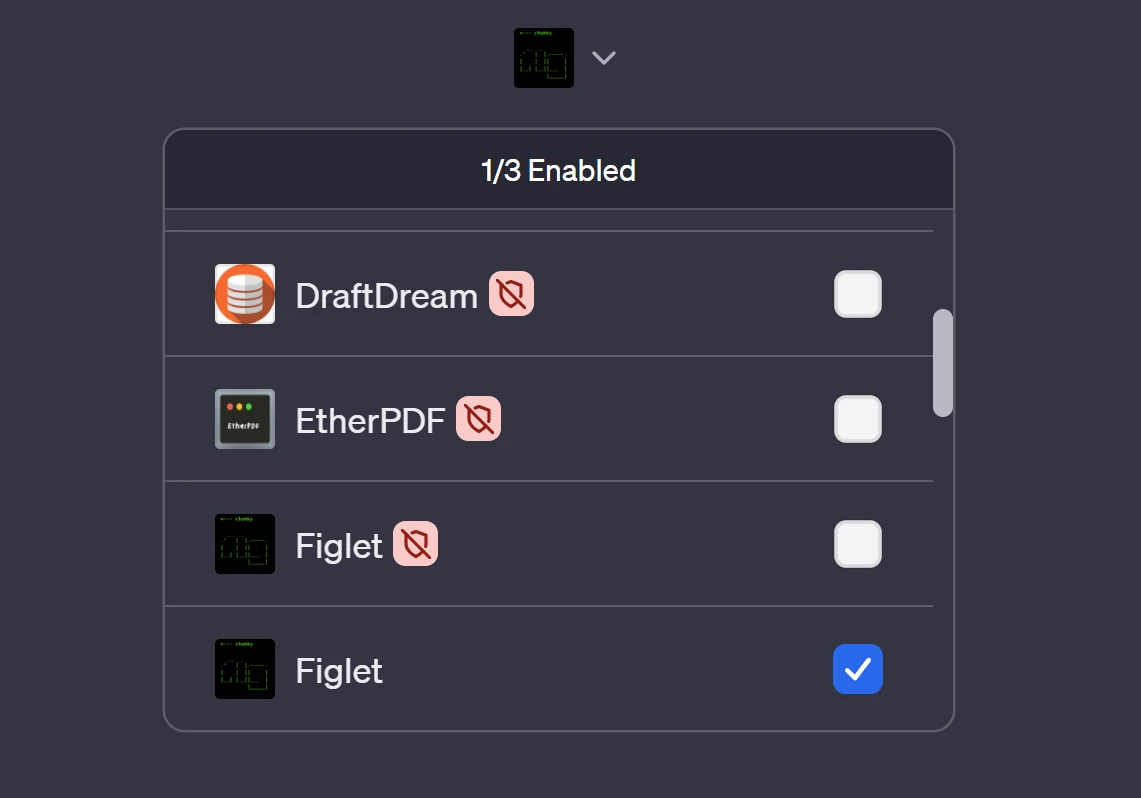
the app to popup in the plugins drop down.
disable it click the check box ✅to be unchecked ❎
## How to Use your app
# try prompting your app using its name in my case thats "figlet"

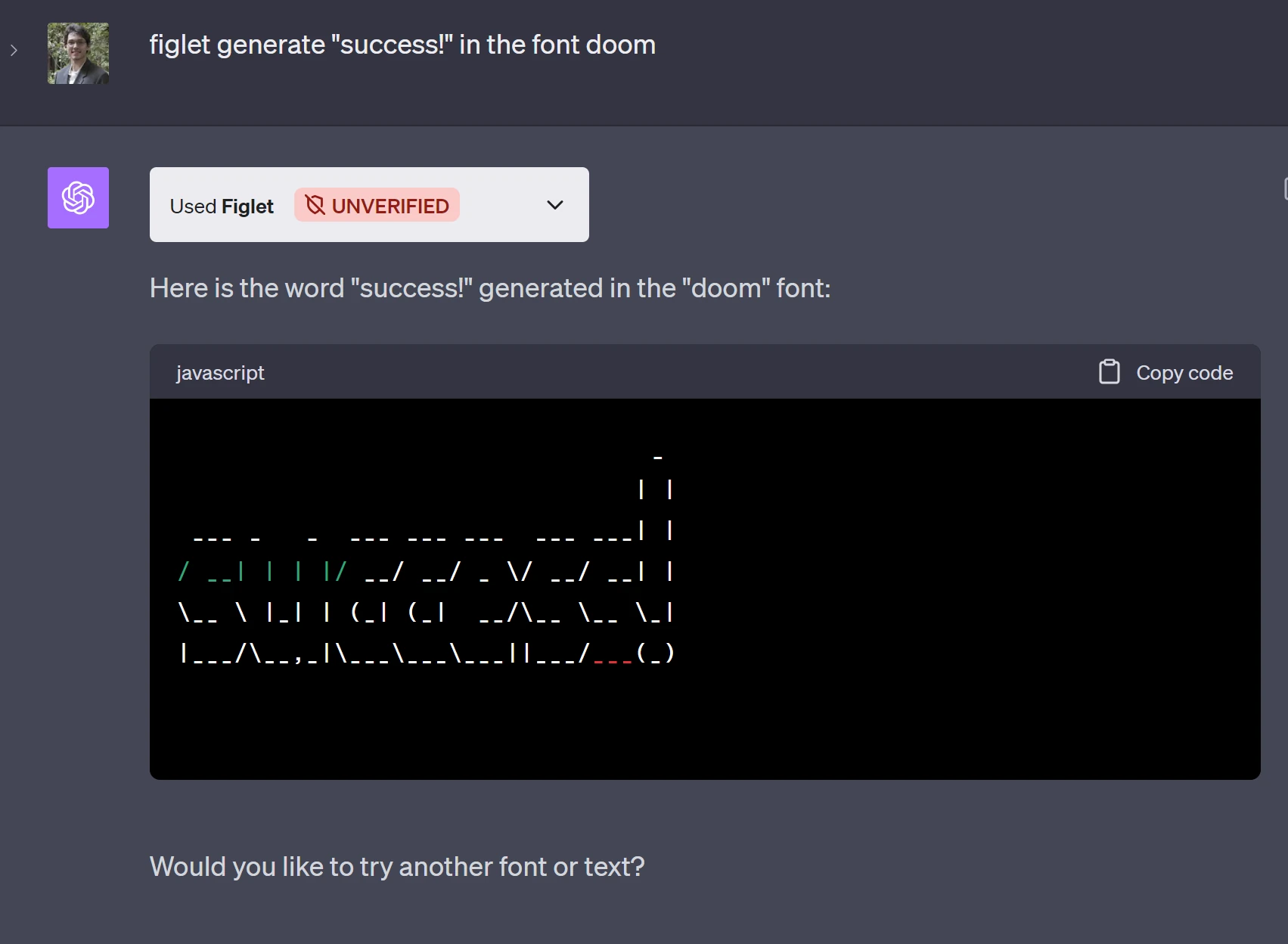
Figlet please convert "Im a gummy bear" to doom text
# if everything worked. mostly likely not on the first try
# heres what it should look like
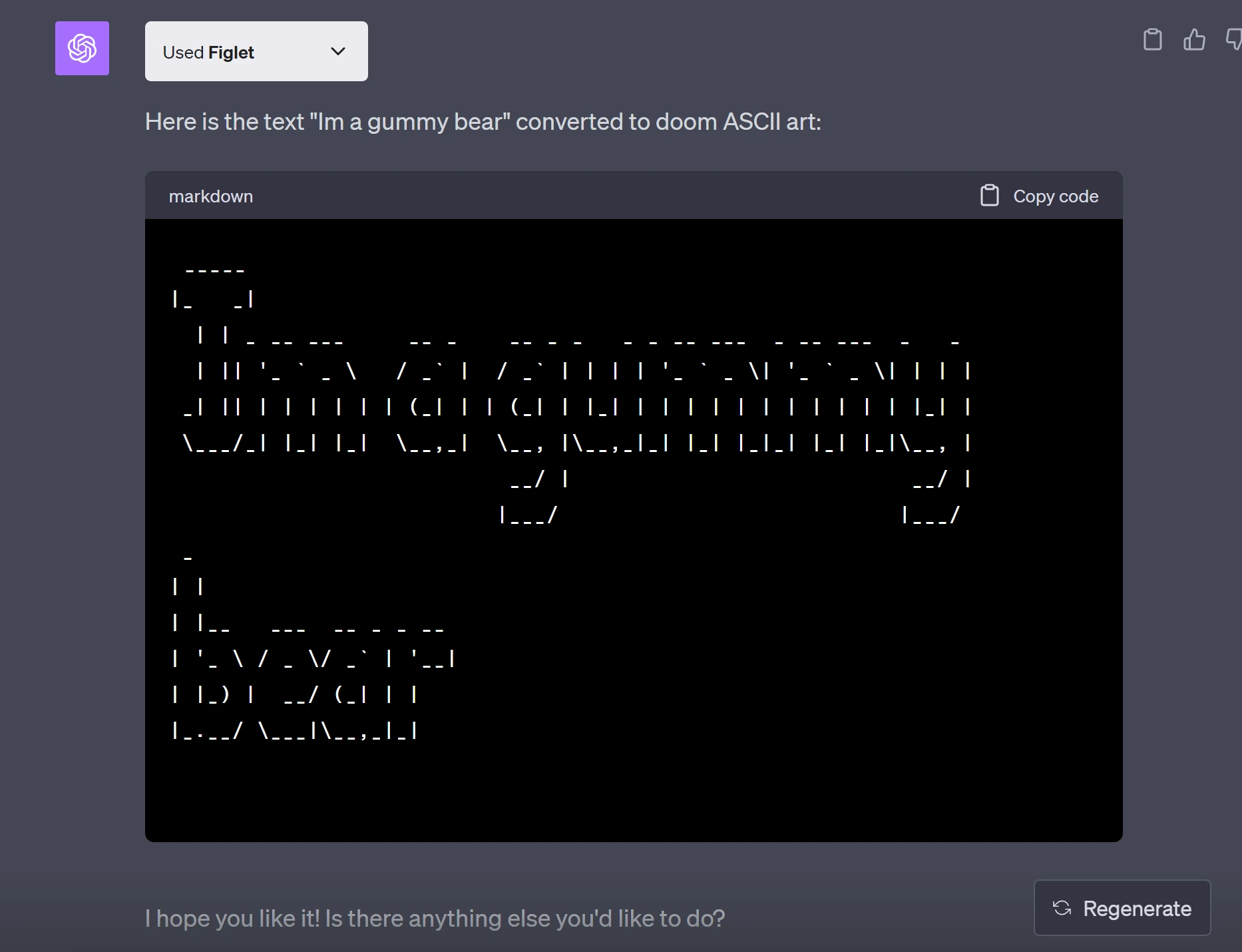
```bash
_____
|_ _|
| | _ __ ___ __ _ __ _ _ _ _ __ ___ _ __ ___ _ _
| || '_ ` _ \ / _` | / _` | | | | '_ ` _ \| '_ ` _ \| | | |
_| || | | | | | | (_| | | (_| | |_| | | | | | | | | | | | |_| |
\___/_| |_| |_| \__,_| \__, |\__,_|_| |_| |_|_| |_| |_|\__, |
__/ | __/ |
|___/ |___/
_
| |
| |__ ___ __ _ _ __
| '_ \ / _ \/ _` | '__|
| |_) | __/ (_| | |
|_.__/ \___|\__,_|_|
```
# if you click the 🔽arrow on the "used figlet" button, you will see what chatgpt did
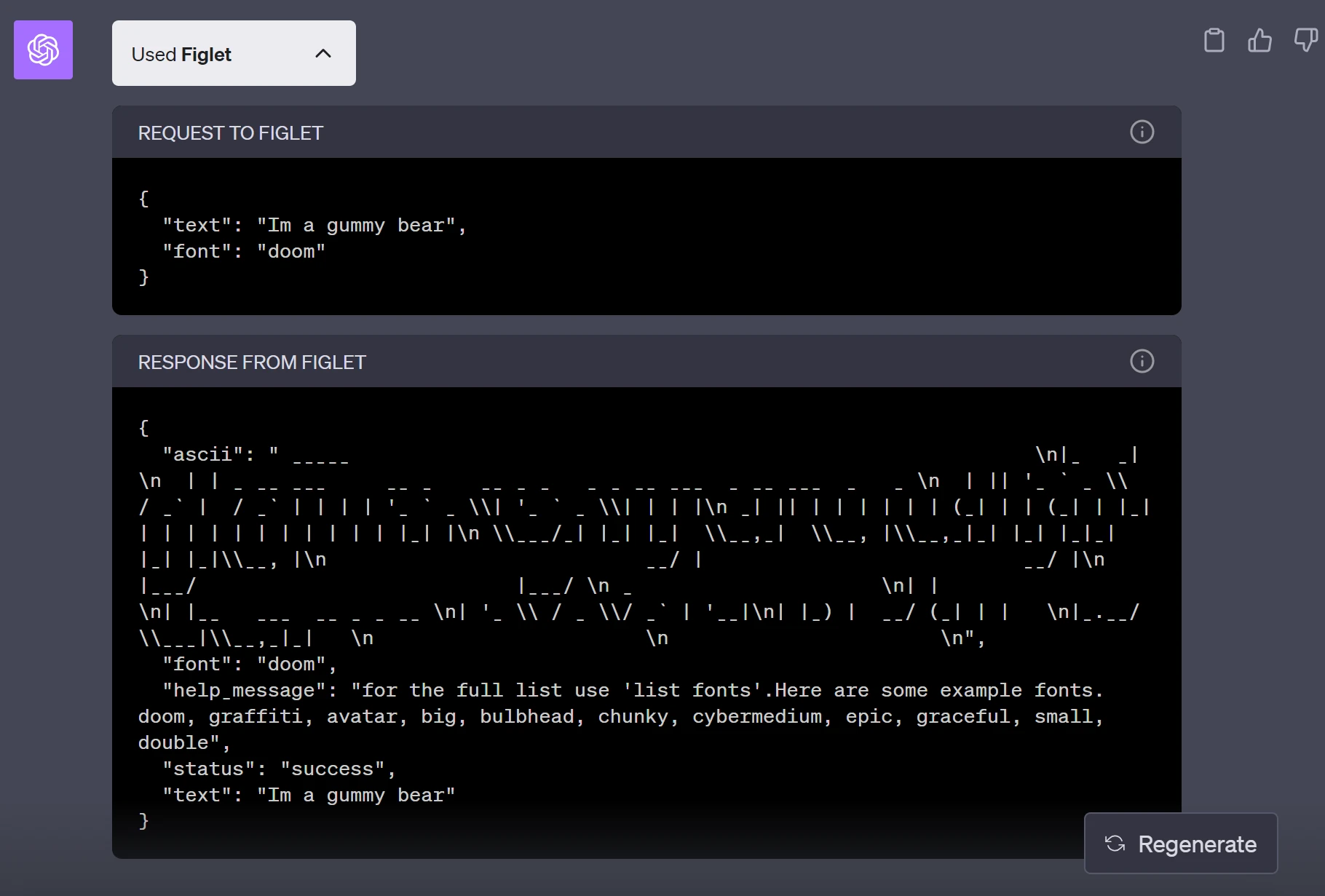
in this case it made a GET http request to [*https://chatgptplugintemplate.wisemonkey.repl.co*](https://chatgptplugintemplate.wisemonkey.repl.co/?ref=oransblog.com)*/text*
with the data
```json
{
"text": "Im a gummy bear",
"font": "doom"
}
```
and got back
```bash
{
"ascii": " _____ \n|_ _| \n | | _ __ ___ __ _ __ _ _ _ _ __ ___ _ __ ___ _ _ \n | || '_ ` _ \\ / _` | / _` | | | | '_ ` _ \\| '_ ` _ \\| | | |\n _| || | | | | | | (_| | | (_| | |_| | | | | | | | | | | | |_| |\n \\___/_| |_| |_| \\__,_| \\__, |\\__,_|_| |_| |_|_| |_| |_|\\__, |\n __/ | __/ |\n |___/ |___/ \n _ \n| | \n| |__ ___ __ _ _ __ \n| '_ \\ / _ \\/ _` | '__|\n| |_) | __/ (_| | | \n|_.__/ \\___|\\__,_|_| \n \n \n",
"font": "doom",
"help_message": "for the full list use 'list fonts'.Here are some example fonts. doom, graffiti, avatar, big, bulbhead, chunky, cybermedium, epic, graceful, small, double",
"status": "success",
"text": "Im a gummy bear"
}
```
# example of it failing
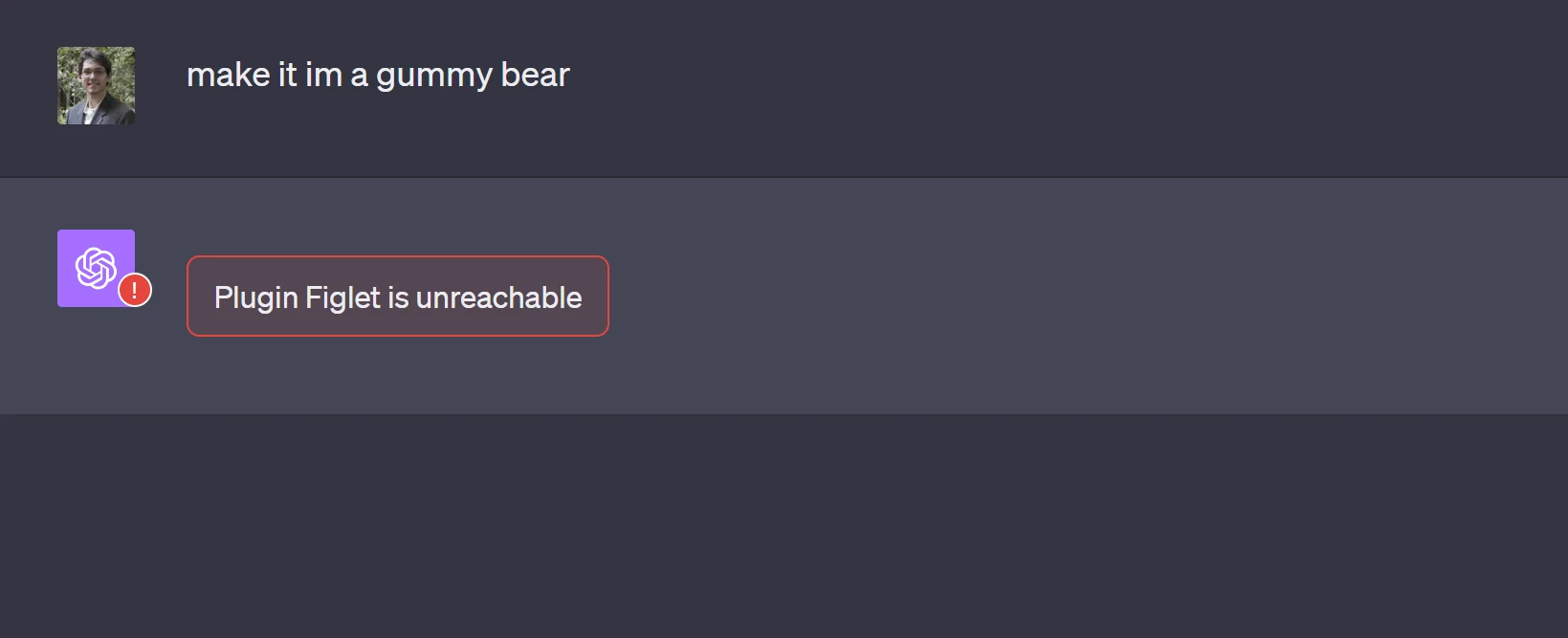
# ❌"make it im a gummy bear" is a unclear and bad example
# ✅ "Figlet please convert "Im a gummy bear" to doom text"
### is good because
- Uses apps name "figlet"
- give a action for the chatgpt to
### TIP: you can tell the user 'heres a how to correctly prompt
`description: The text to be converted, example fonts are doom, graffiti, avatar, big, bulbhead, chunky, cybermedium, epic, graceful, small, double` this is located in *openai.yaml*
# Difficult Issue that i ran into:
if your having issues getting gpt to send a api request and all your code is working its important to make sure to look at openai.yaml to make sure its accurate
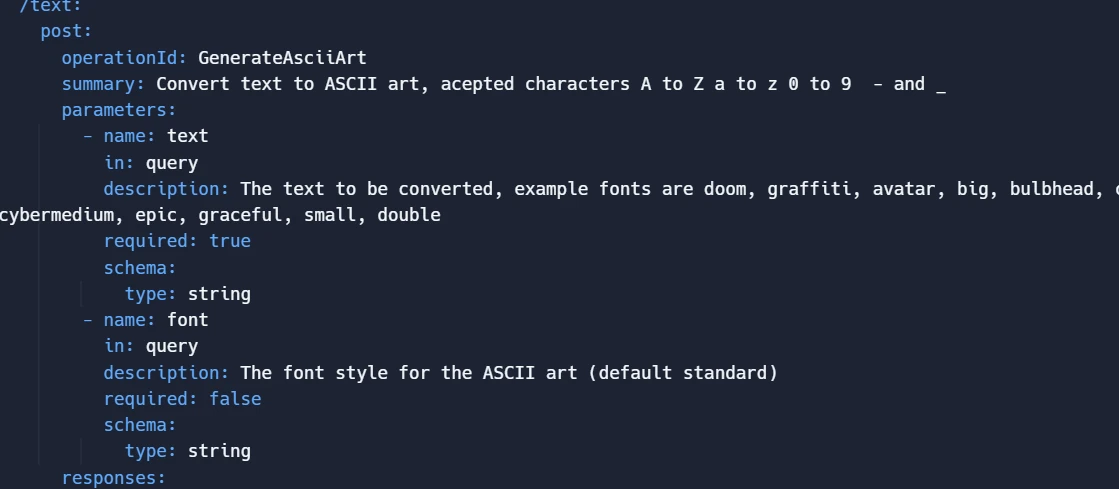
if you dont have a `operationID` it chatgpt gets confused
also make sure description is super verbose.
❌ `"returns ascii text"` bad do vegue, chatgpt uses this to see which api entpoint `/text` in this case to match against your users query
✅ `Convert text to ASCII art, accepted characters A to Z a to z 0 to 9 - and _`
- good because it clearly states what the \`/text\` endpoint does
---
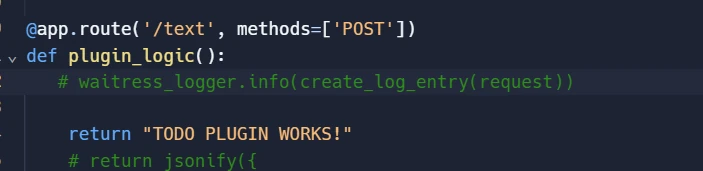
note this is just the example code and does return ascii art
# If your endpoint has parameters specify them in the openai.yaml spec
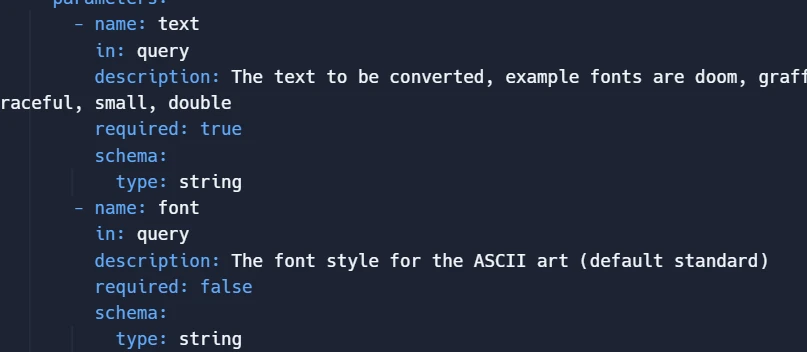
# Tip: use chatgpt to do this part, and modify if it gets it wrong
# Manually test your api
### Example api request
#### paramters
```bash
text="Hello, World!"
font="doom"
```
#### example using my app for refernce
```bash
curl -X POST "https://figletgptplugin.wisemonkey.repl.co/text?text=${text}&font=${font}"
```
## How to Submit your plugin
### Unfortunately as of 20231001 you have to join the `plugin developers wait` list.
#### it took around a month for me to get approved. :/ but it was worth the wait! so be patient
- [https://openai.com/waitlist/plugins](https://openai.com/waitlist/plugins?ref=oransblog.com)
- read this article for mor information on submitting a plugin
- [https://platform.openai.com/docs/plugins/review](https://platform.openai.com/docs/plugins/review?ref=oransblog.com)
### step two is create your plugin
#### make sure its tested
#### has logs
#### doesnt crash
#### has santized input field (security)
example
```python
from markupsafe import escape
txt = escape(txt) # html escape
return re.sub('\s+', ' ', txt).strip() # remove extra spaces & remove leading/trailing spaces
```
#### important note:
*make sure the title of the app follows the rules* \=> [OpenAI Brand guidelines](https://openai.com/brand?ref=oransblog.com)
#### CAN NOT INCLUDE the words
`CHATGPT, OPENAI, GPT` or any other traid mark from the company

#### i got rejected first try for "FigletGPT"
### Wording withing your app
#### Do:
- Meowlytics powered by GPT-4
- Meowlytics built on GPT-4
- Meowlytics developed on GPT-4
#### Don’t:
- Meowlytics with GPT-4
- Meowlytics AI by OpenAI
- ChatGPT for Meowlytics
# Submit your app for approval
go to [https://platform.openai.com/docs/plugins/review](https://platform.openai.com/docs/plugins/review?ref=oransblog.com)
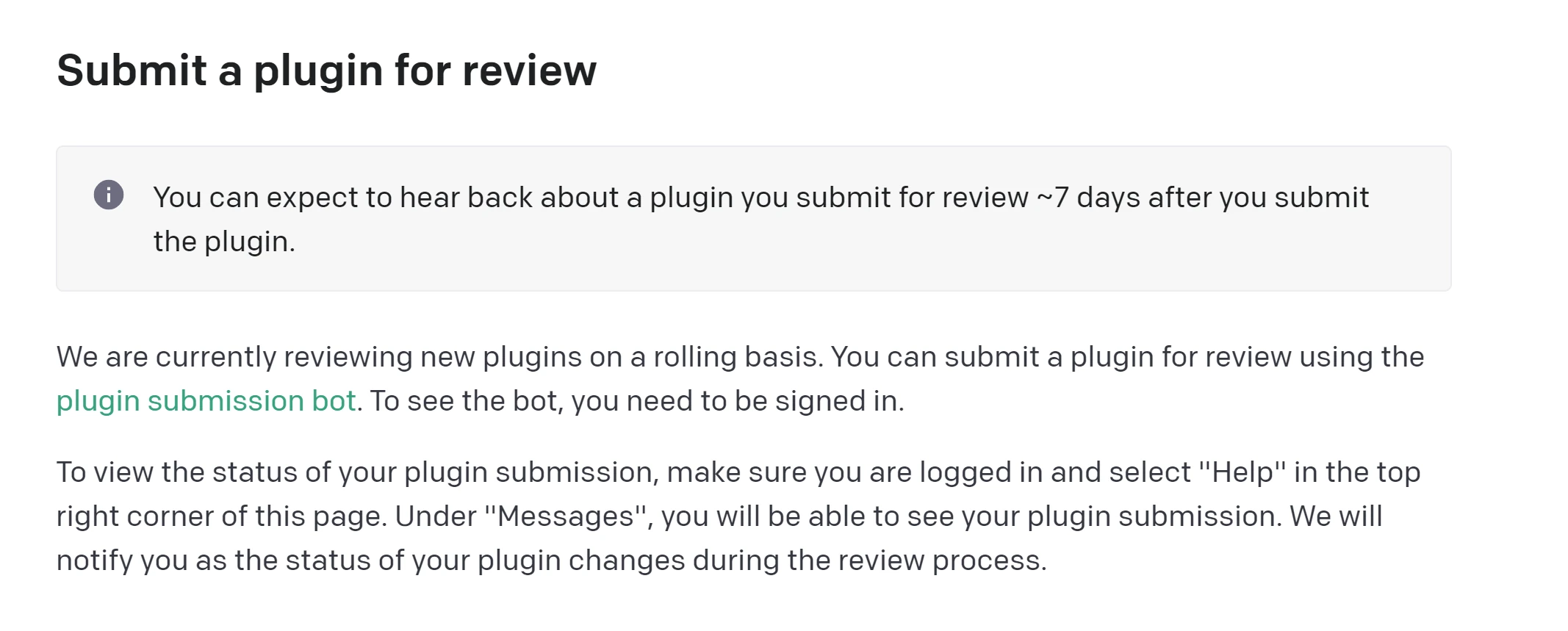
click on *'plugin submission bot'*
if the bot doesnt pop up, login

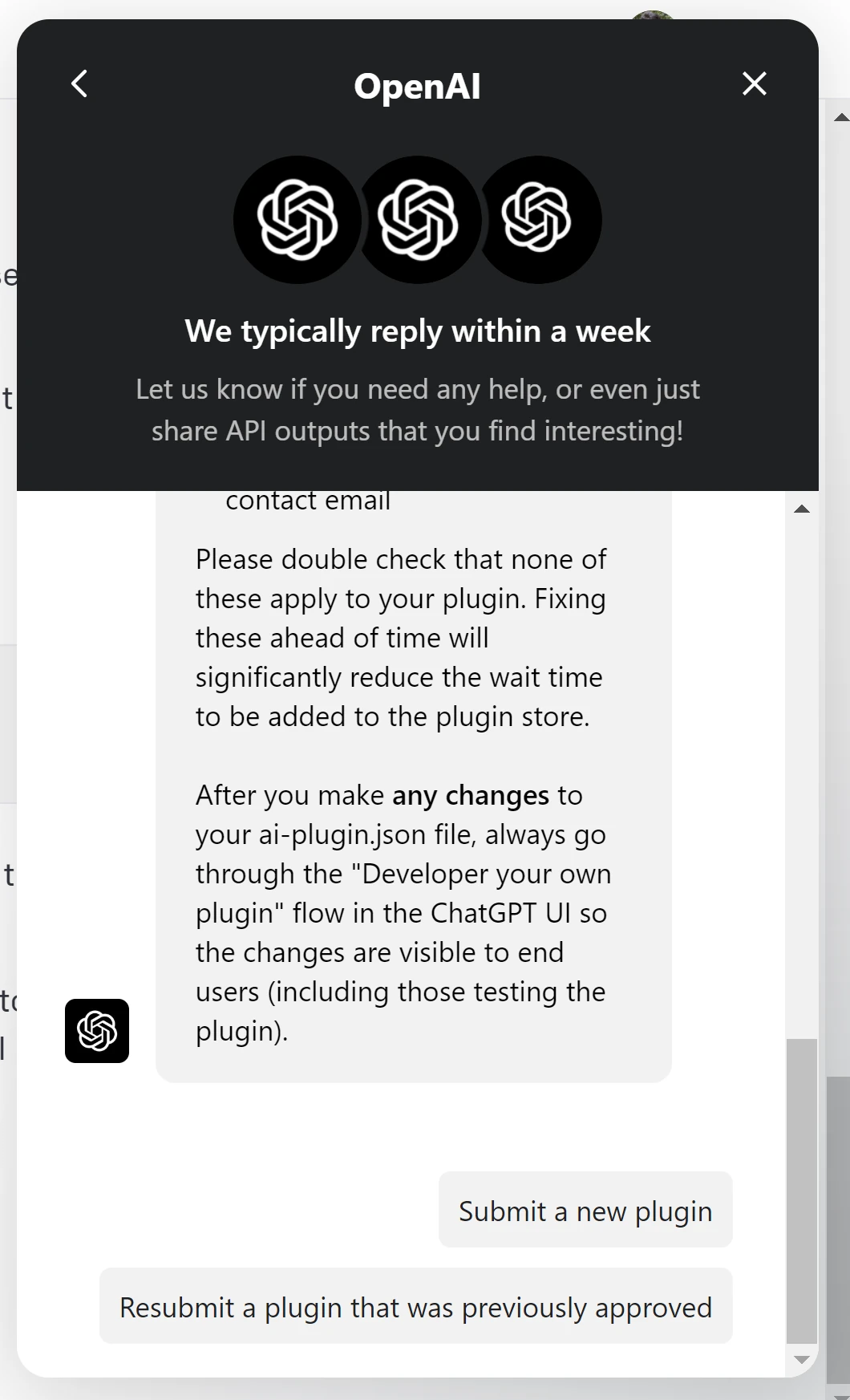
Click on submit a new plugin
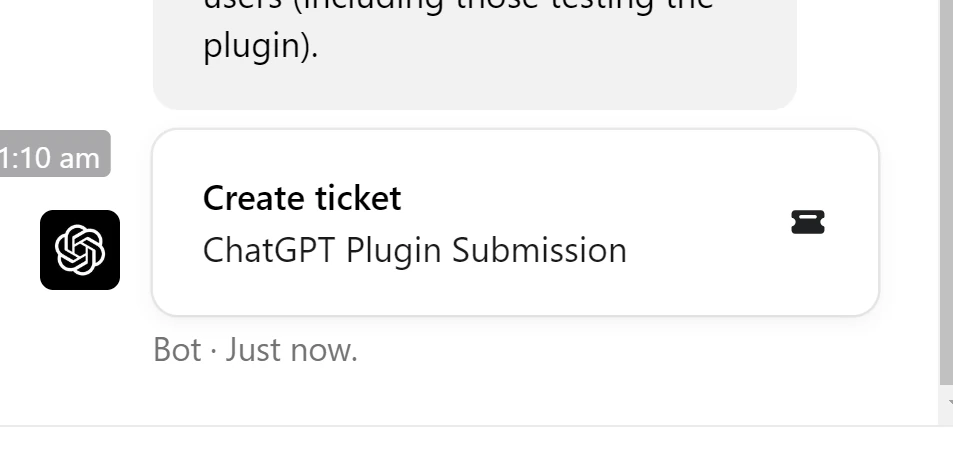
click on *Create ticket*
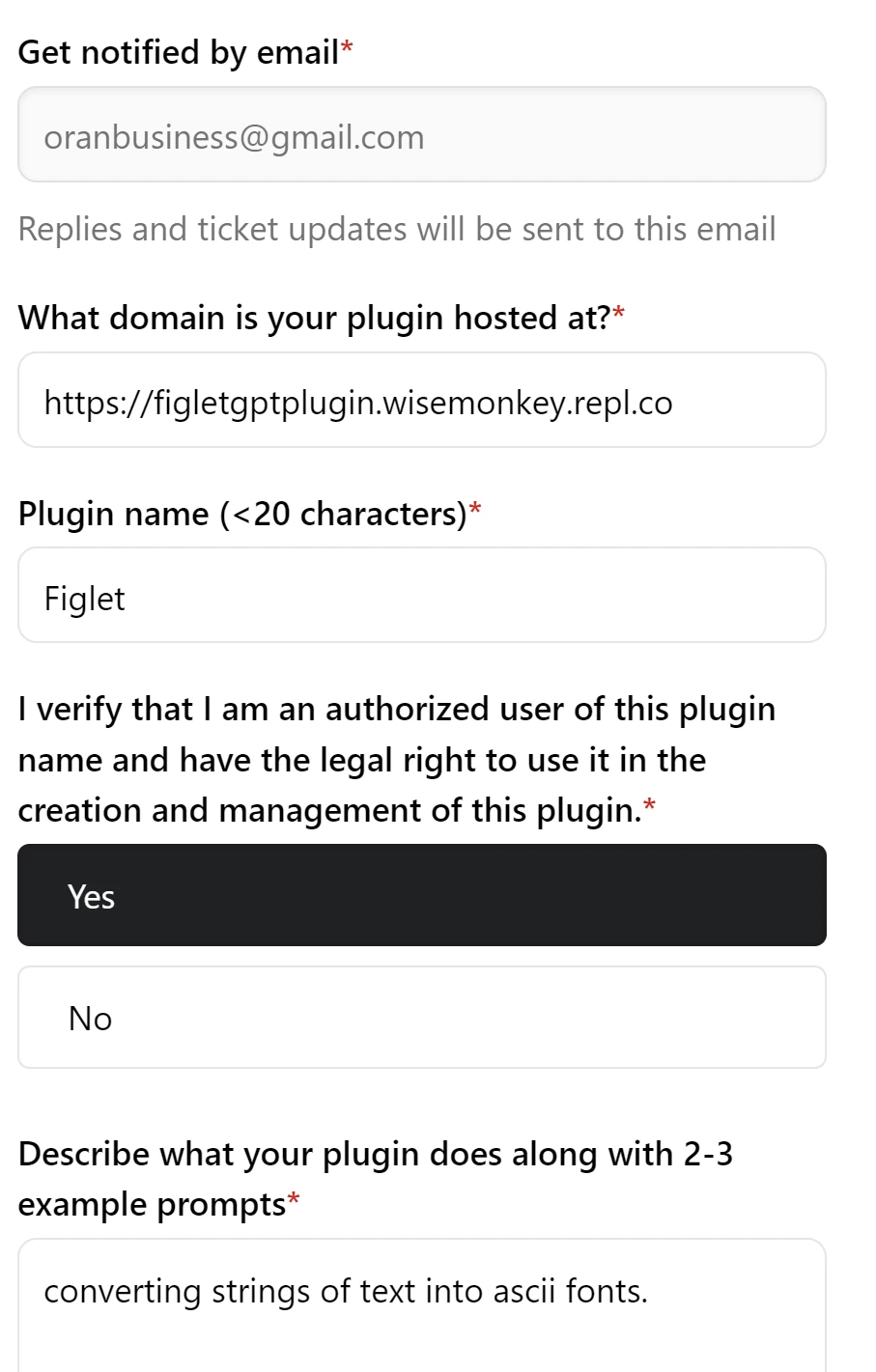
FIll out the nessisary data
# TIPS:
The most common reason plugins are rejected include:
- using the word "plugin", "GPT", or "ChatGPT" in the plugin **name or description**
- plugin name that is **longer than** 20 characters
- submitting a broken plugin url AKA make sure your app is running for this time period
- leave the app running

- **missing** legal info URL or contact email
### Brand rules are also important so have a read
[https://openai.com/brand](https://openai.com/brand?ref=oransblog.com)
# Click create "ticket"
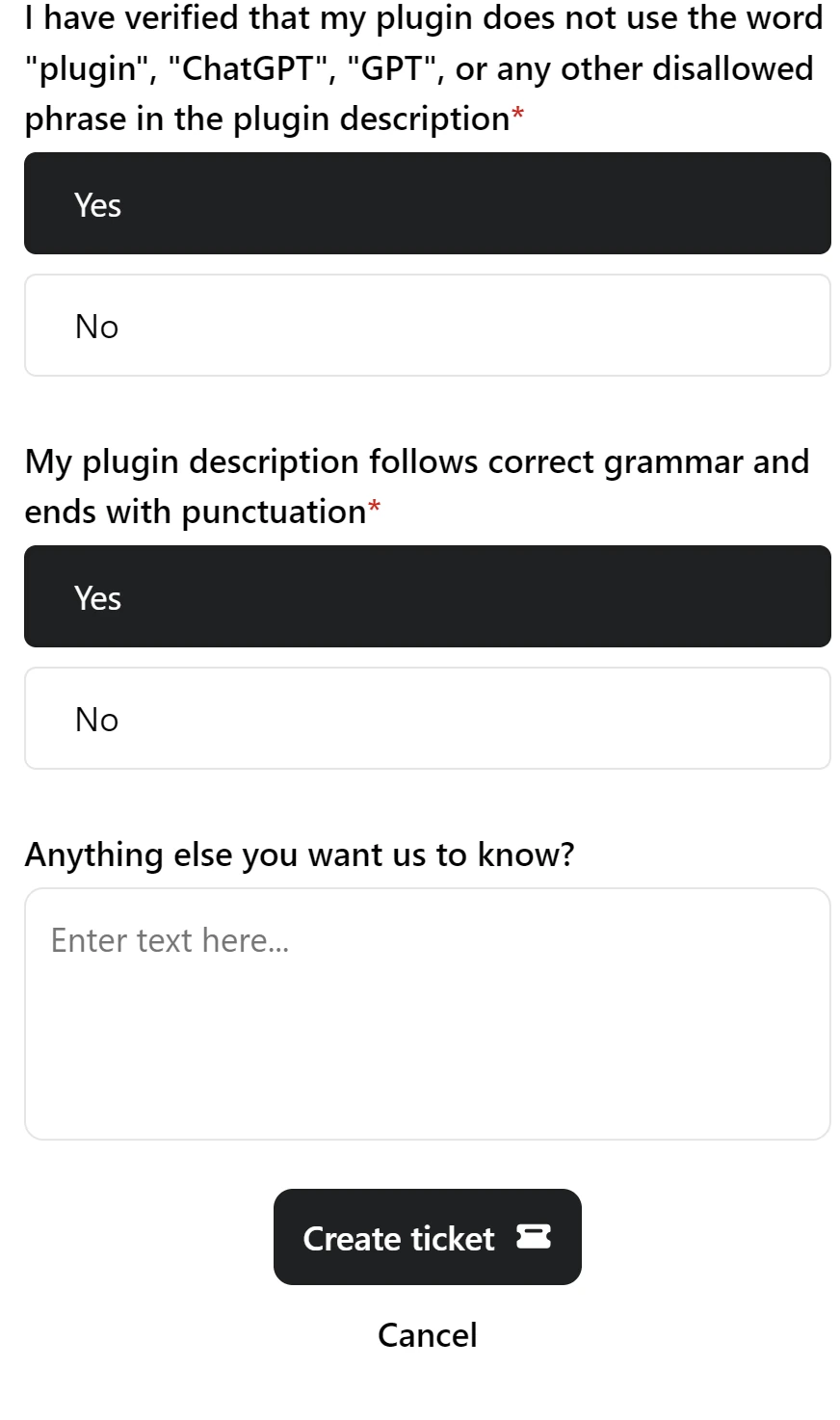
# Success! You have submitted your ChatGPT Plugin!

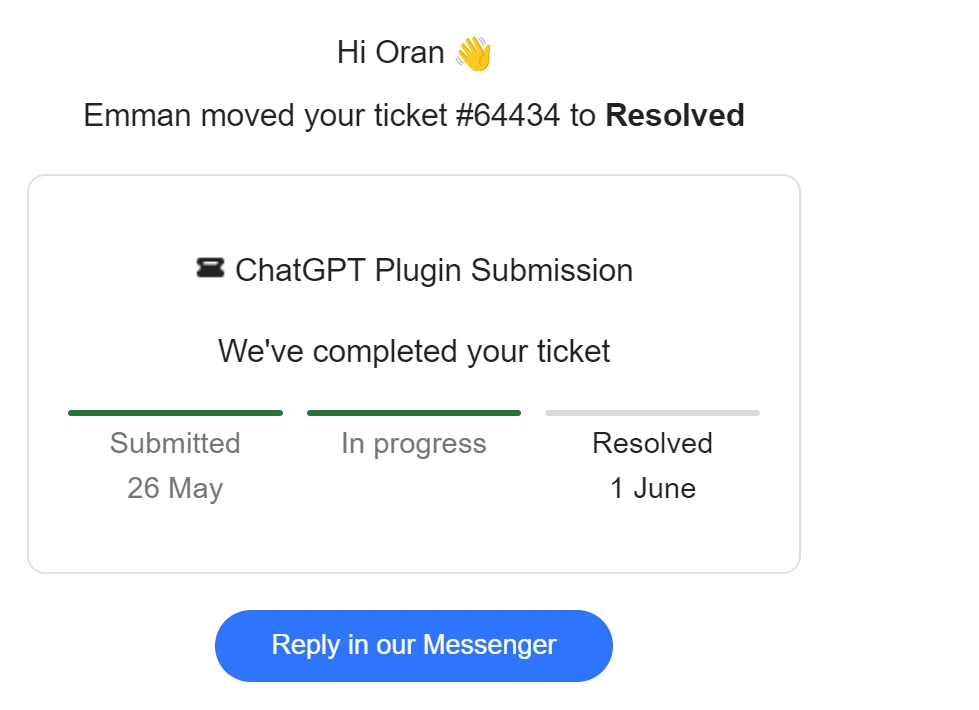
## Now the waiting...
### should get a responce in around \~7 days. mine took 2 weeks
# Issues i ran into `Please add a valid legal info URL.`
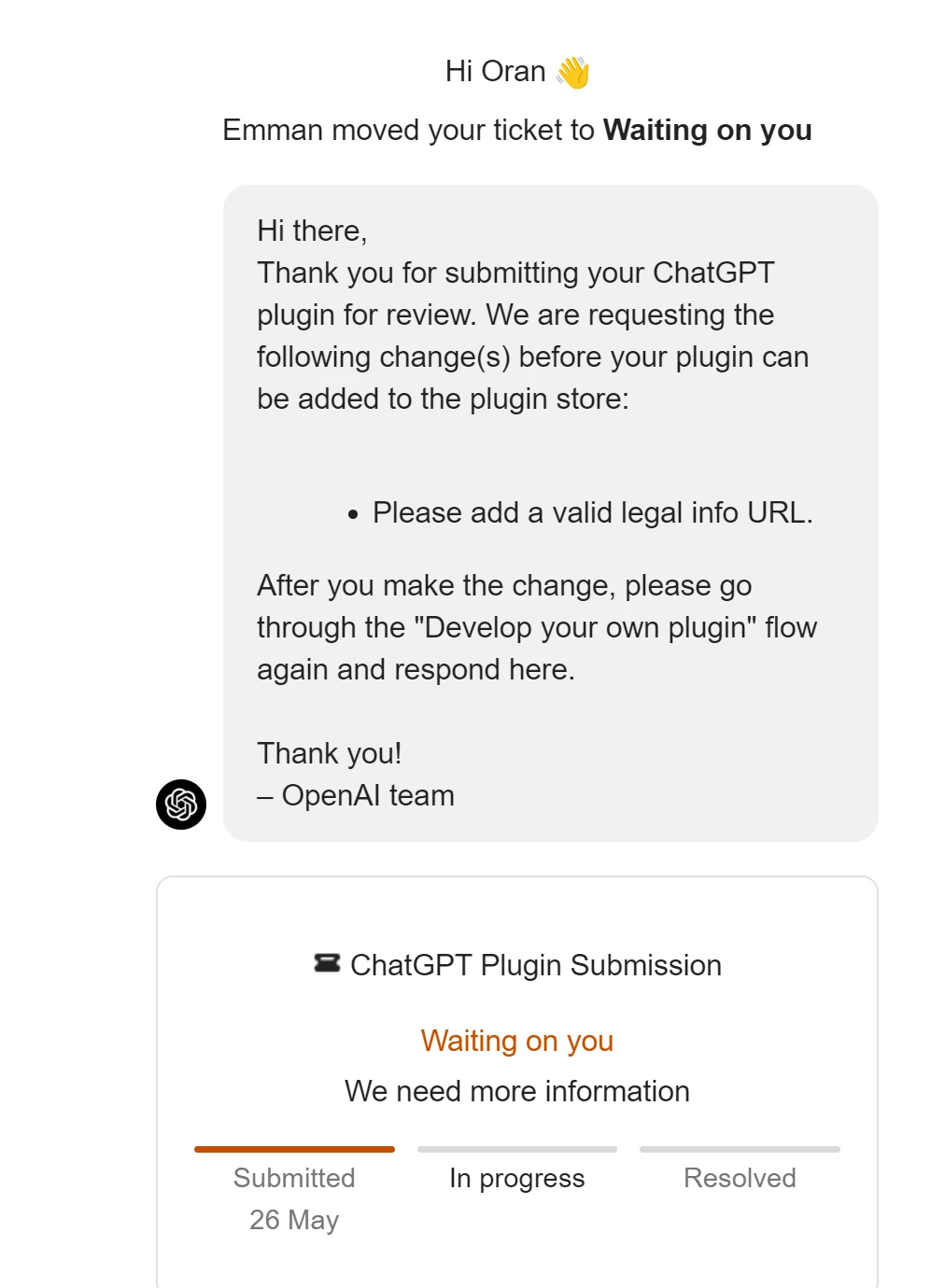
# Fix:
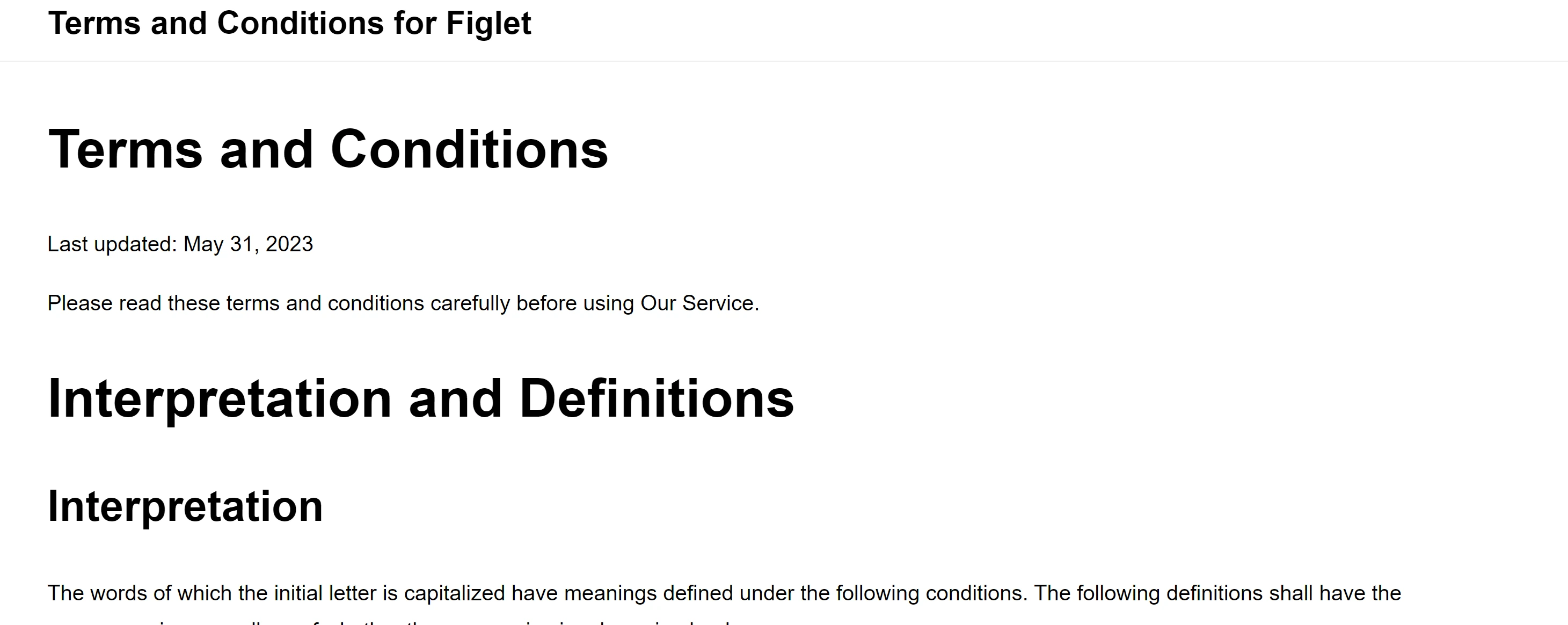
i used this website to create a quick terms and conditions page

mine looks like
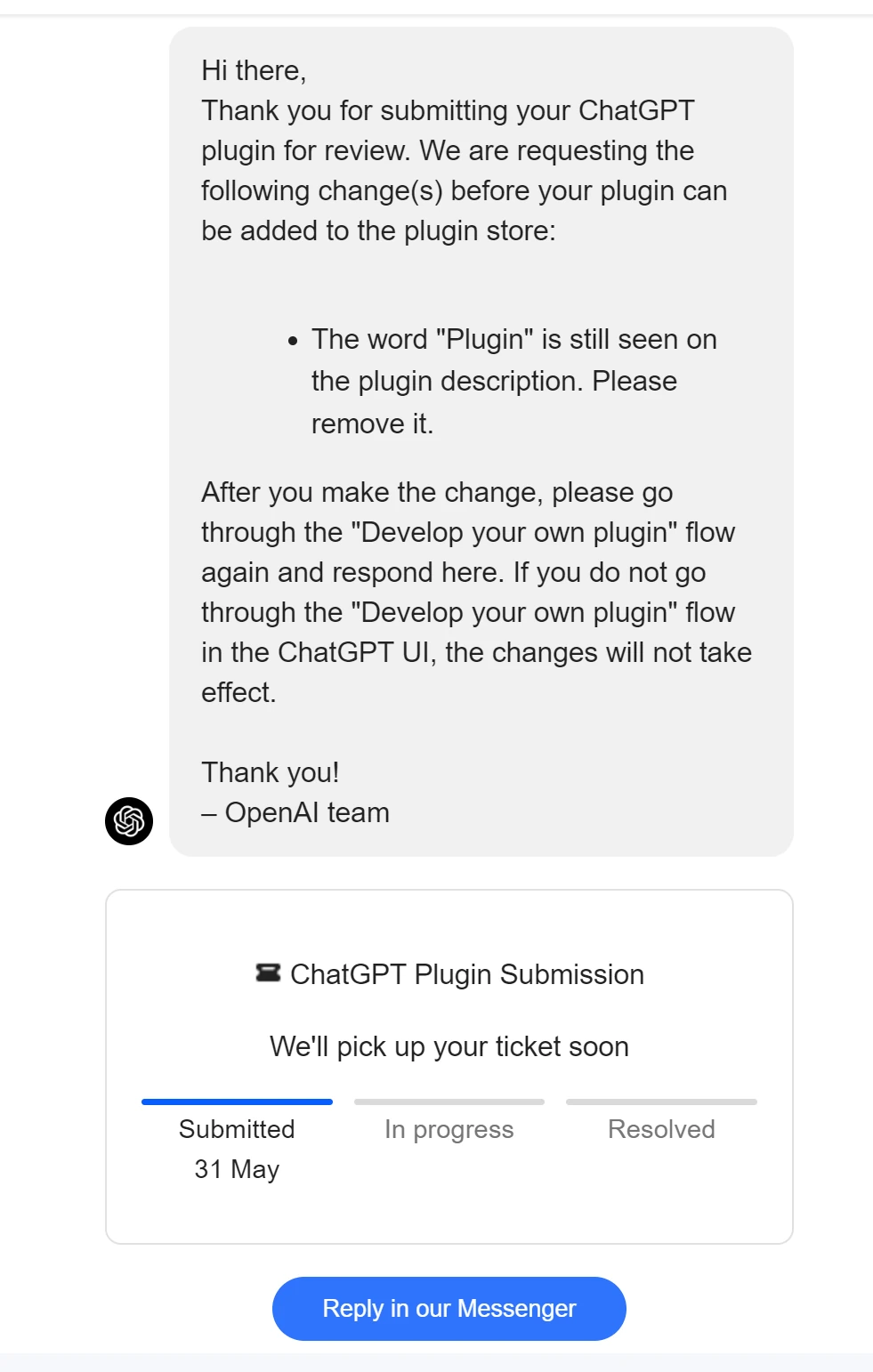
# Example if you forgot to remove 'plugin' from the name.
### fix: redo the submittion process with correct information
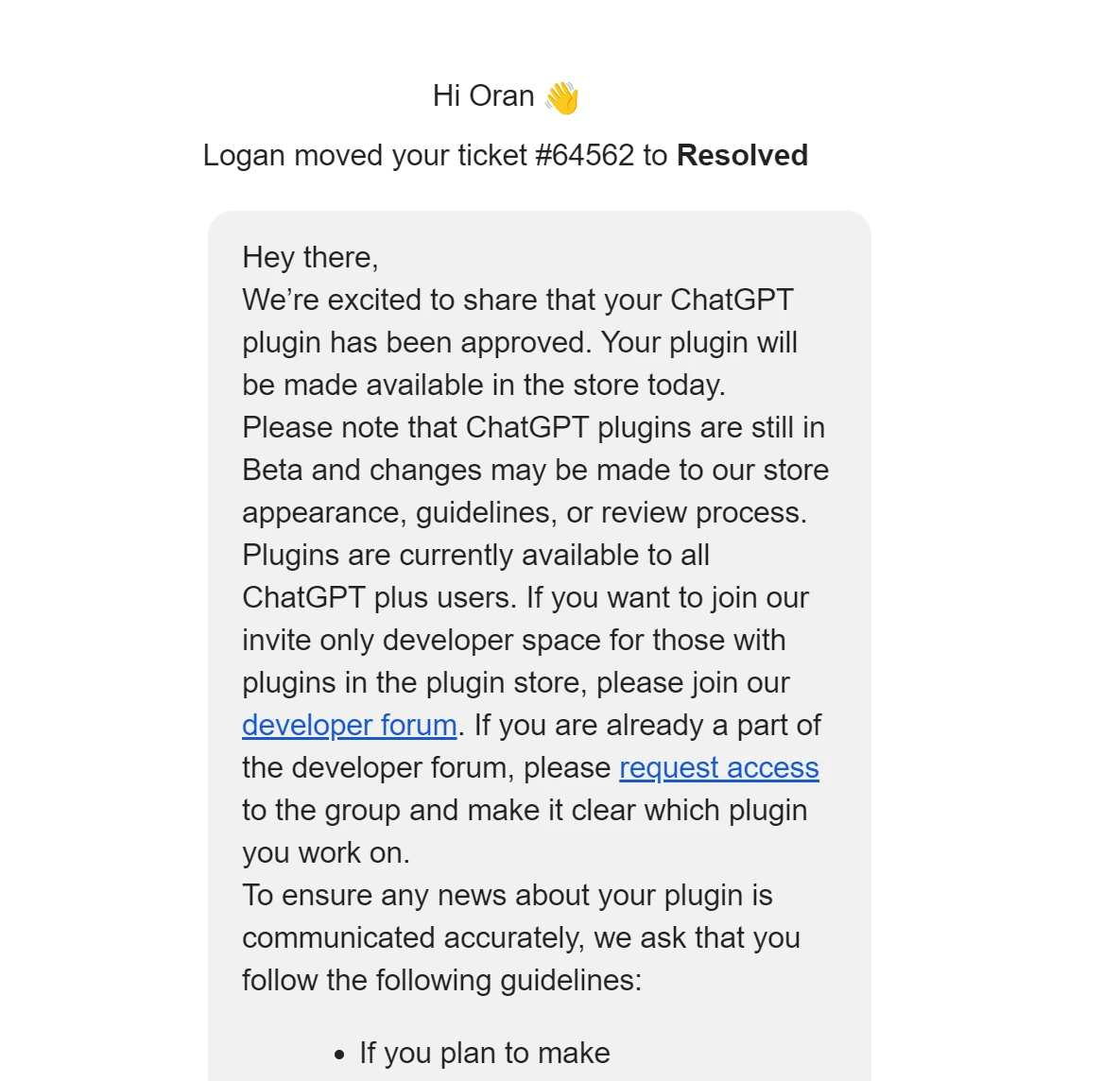
# What success looks like!
### I got approved!
# How to install your app
go into the plugin store and search for your app.
## CONGRATZ!
### you can now brag to your friends about being a ML plugin devleoper!
[via GIPHY](https://giphy.com/gifs/win-nXxOjZrbnbRxS?ref=oransblog.com)
## FIN
### Youtube tutorials that is helpful
# resouces
- example plugin from open ai
- [https://github.com/openai/plugins-quickstart](https://github.com/openai/plugins-quickstart?ref=oransblog.com)
#### Template Created by Wisehackermonkey
20231001

# Author

by oran collins
Al considerar [camisetas de fútbol por equipo](https://www.camisetatienda.com/?ref=oransblog.com), la decisión resulta más sencilla cuando se confirma la comodidad, el tejido y la frecuencia de uso. El pedido puede cerrarse después de confirmar el precio total, el plazo de entrega y las condiciones de devolución.

github.com/wisehackermonkey

post\_date = document.getElementsByClassName("byline-meta-date")\[0\].attributes.datetime.value author\_date = document.getElementById("date") author\_date.innerHTML = post\_date.replaceAll("-","")